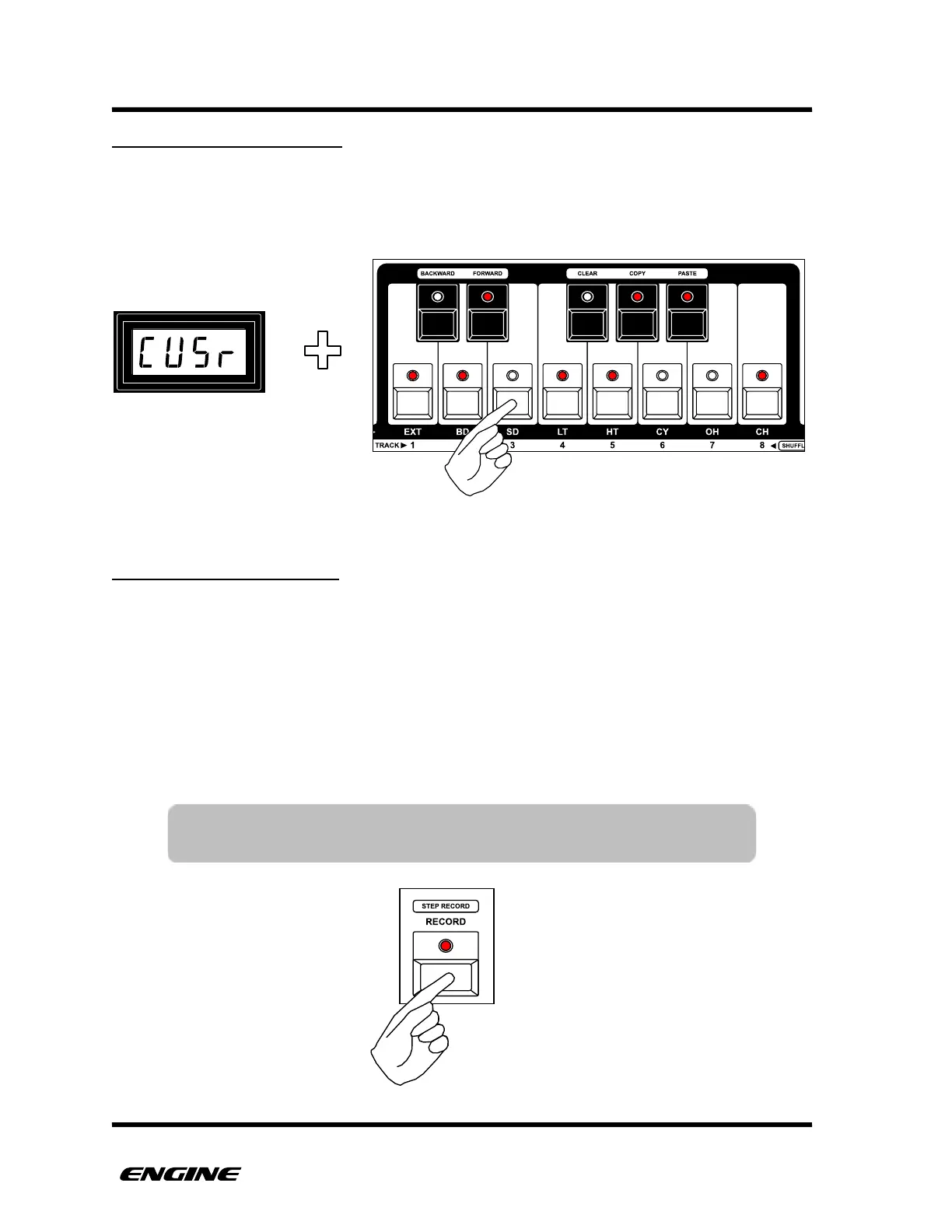
SETTING THE USER SCALE
To define the user scale, while in UTILITY MODE, first select the “user” scale preset. Then
click the mini keyboard buttons to turn on/off the notes of the scale. The user scale can
also be transposed according to the root note.
SAVING THE USER SCALE
Once a user scale has been configured, it can be saved as the user preset.
Saving the user preset will automatically apply the preset (and root note) to any other
tracks that are set to use the user preset. This makes it quick to force all tracks to use the
same scale.
If the user preset is not saved, each track can have a different scale configured under the
user scale.
To save the user preset, while in UTILITY MODE, click the RECORD button.!



 To Next Page