ADDING OR REMOVING A CONTROL EVENT
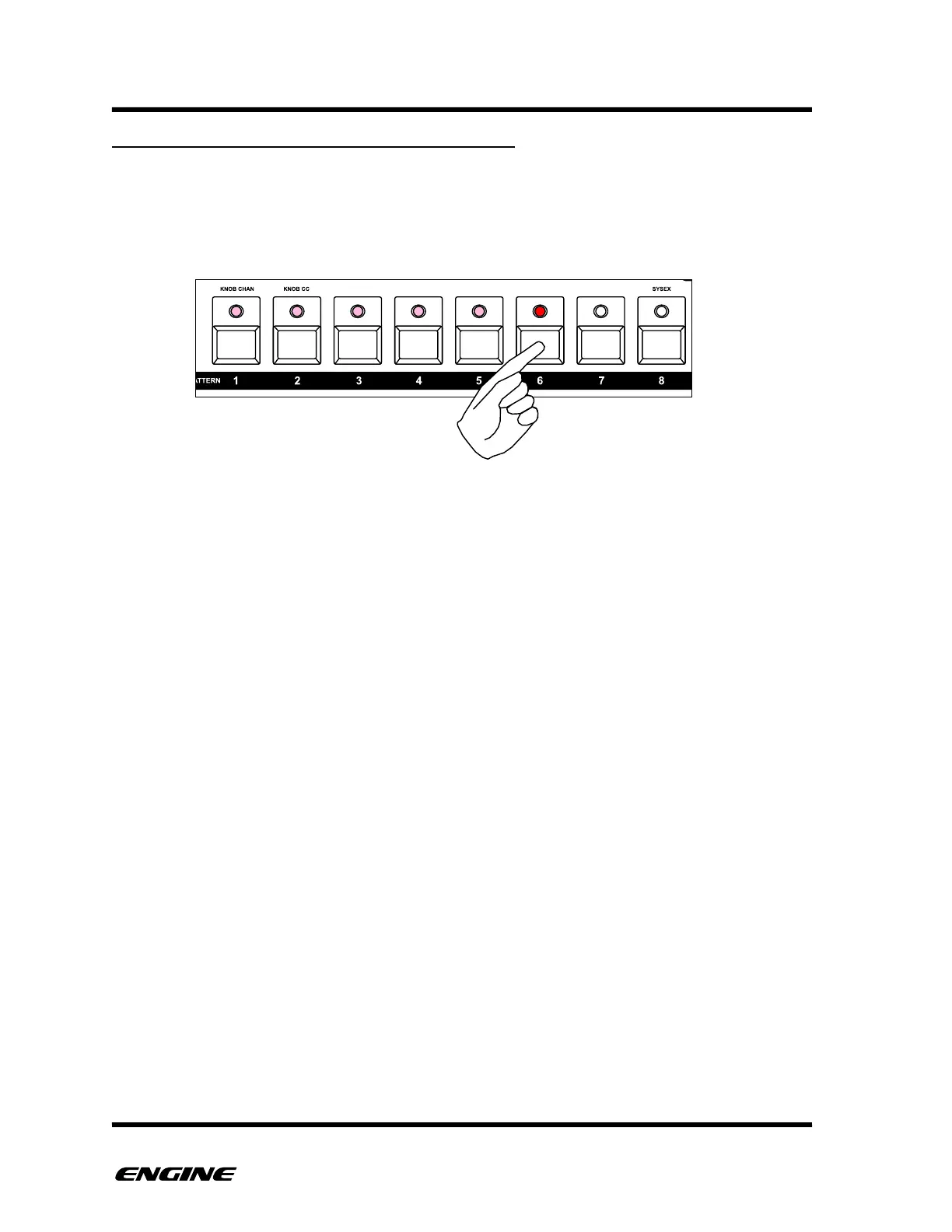
After selecting the appropriate control, use the pattern step buttons to enter and remove
events for the control. Quickly clicking a step button will activate or deactivate the step
event, the programmed value for the control event will be remembered.
In addition, the CV expansion board will also generate a GATE signal for a programmed
control event. This allows control type patterns to act similar to an analog sequencer,
triggering envelopes with the gate signal, and sending CV voltages programmed into the
control step.
GATE signals will also be generated on each step of an active LFO.



 To Next Page