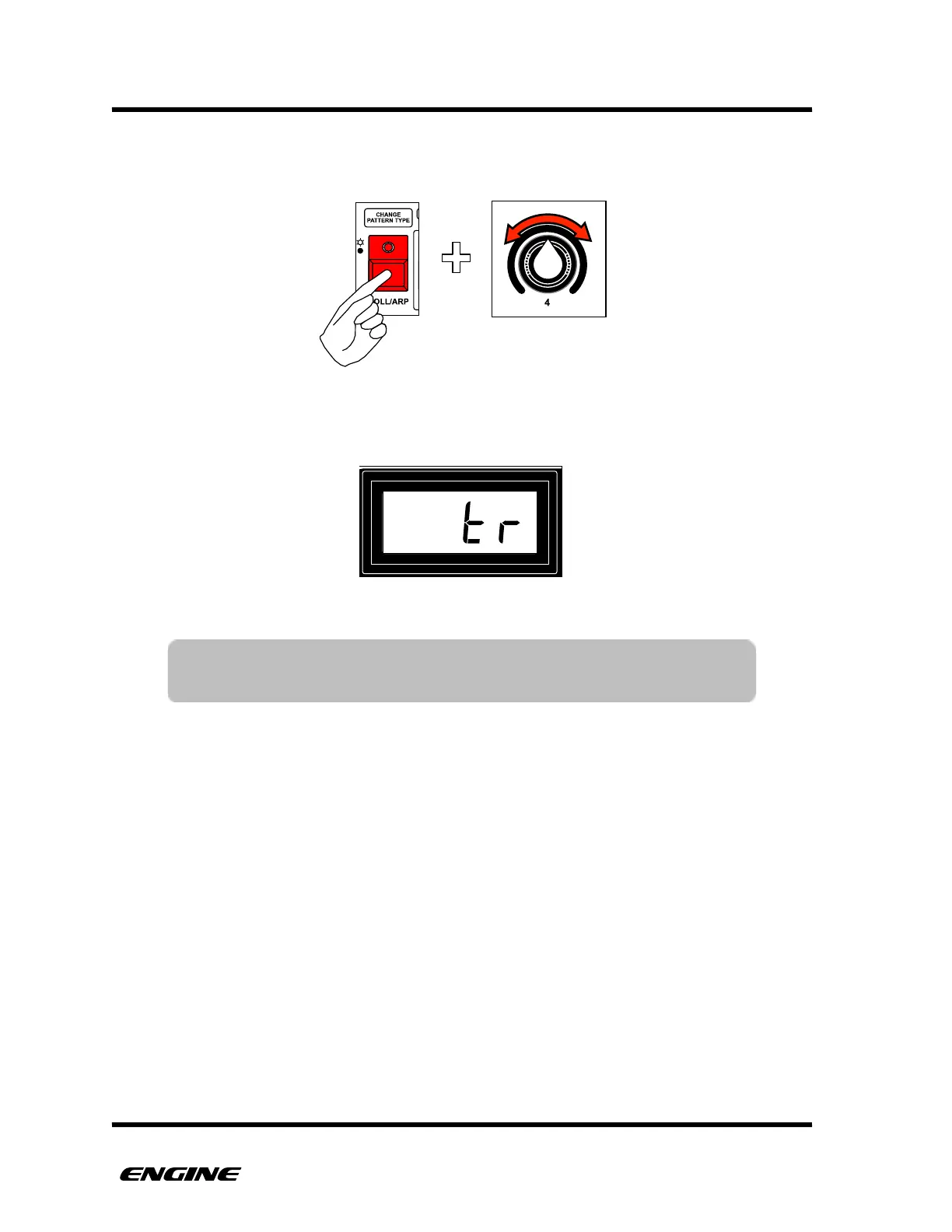
To define the MIDI channel used for program select, while in UTILITY MODE, press and
hold the CHANGE PATTERN TYPE (roll/arp) button, then rotate control knob 4.
The current channel will be shown on the LED display while turning control knob 4. To
send on the same channel as the defined track MIDI channel, select “tr”.
!



 To Next Page