3-36 PN: 10580-00343 Rev. H S820E UG
3-7 Measurement Setup Cable and Antenna Measurements
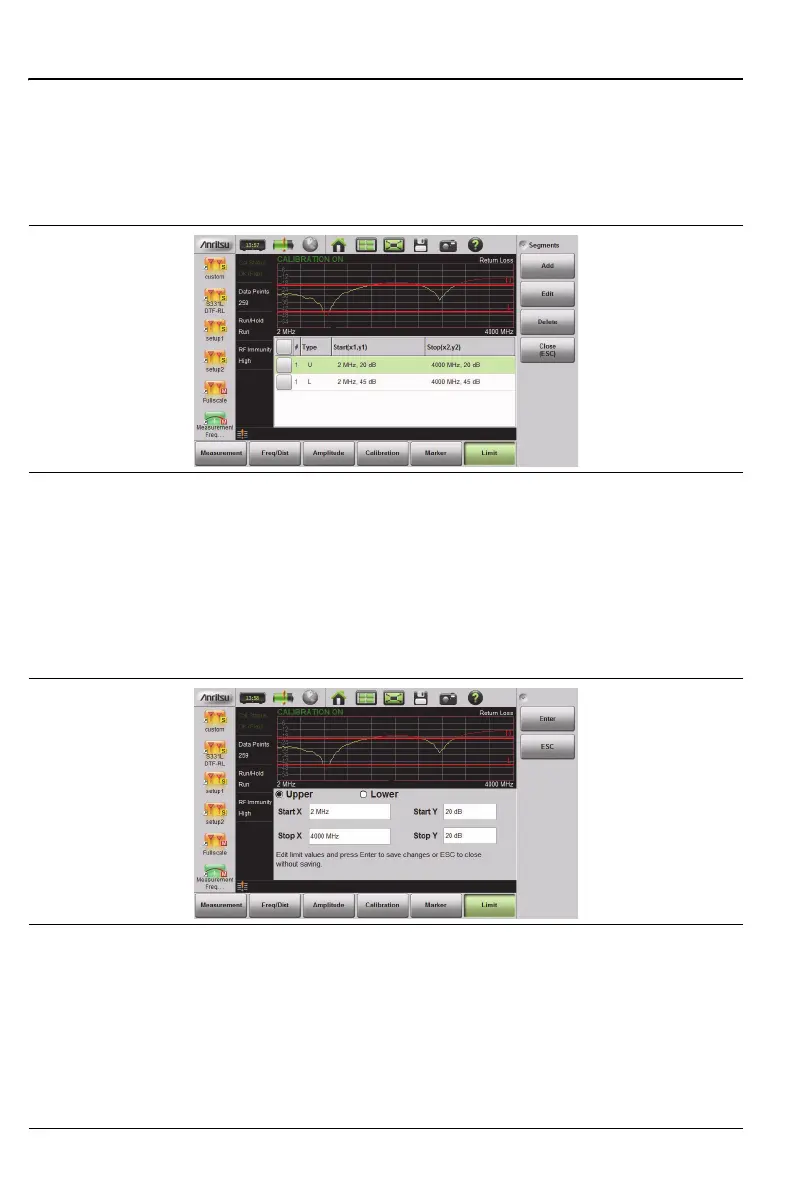
When editing a segmented limit line, a table is displayed with each segment
in a separate row (Figure 3-18). The type is displayed as U or L. The Start
and Stop settings are displayed as Start(x1,y1) and Stop(x2,y2). In a Return
Loss measurement, for example, the x-axis is in units of frequency, and the
y-axis is in units of dB.
When adding or editing a segmented limit line, a dialog box (Figure 3-19)
provides setting choices. You can choose Upper or Lower, then enter the
x-axis and y-axis values for the segment Start and Stop. Differing y-axis
values result in a sloping line segment.
Figure 3-18. Table of Limit Lines (or Segments)
Figure 3-19. Segment Editing Dialog Box











 To Next Page