3-38 PN: 10580-00343 Rev. H S820E UG
3-7 Measurement Setup Cable and Antenna Measurements
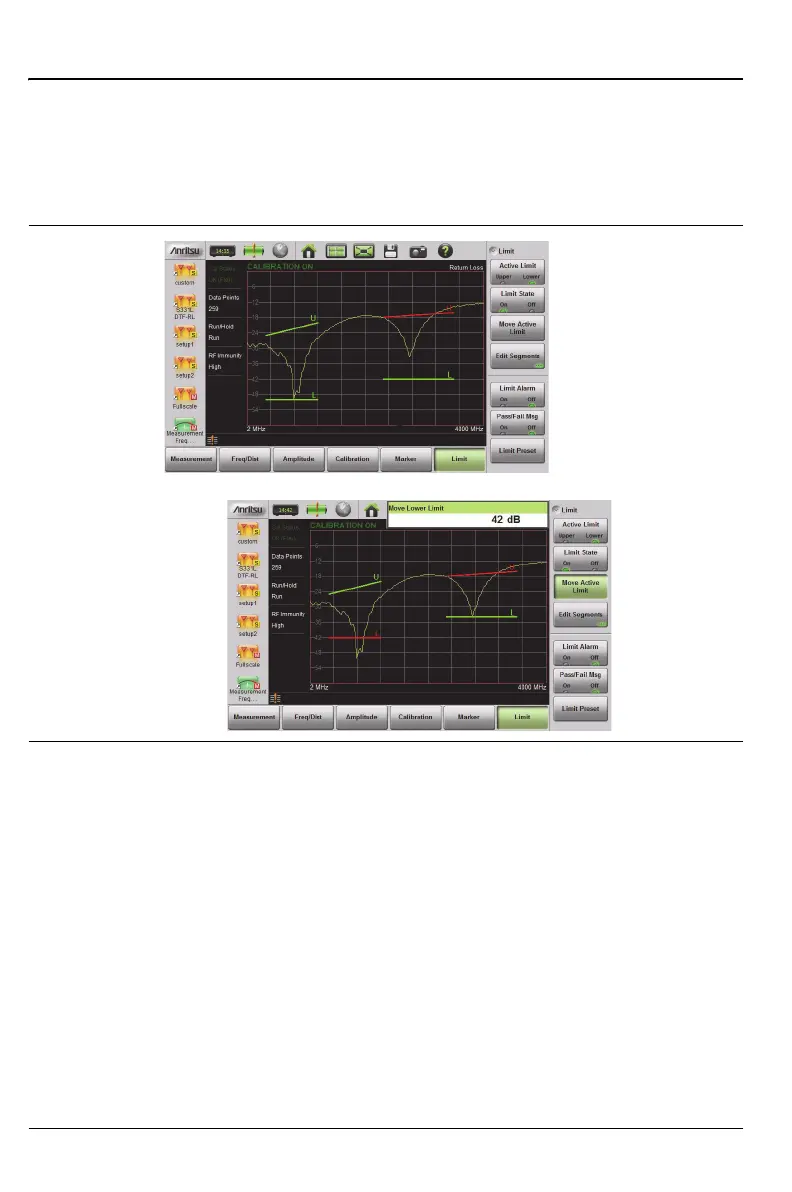
Figure 3-21 shows the result of moving limit line segments. Note that when
moving upper or lower segments, all upper segments or all lower segments
are moved by the same amplitude value, meaning that all upper or lower
segments will move simultaneously. To change the value of a single segment,
use the Edit Segments function.
Limit Alarm
1. Press the Limit Alarm key to turn On or Off the audible Limit Alarm.
2. Adjust the volume of the limit alarm by pressing System (8), then
System Setups. Press the Display/Audio key and then Volume. Adjust
the volume with the Up/Down Arrow keys, rotary knob, or the
touchscreen. Press Enter to apply the new setting.
Figure 3-21. Moving Limit Line Segments











 To Next Page