6-14 PN: 10580-00343 Rev. H S820E UG
6-4 Display Capabilities VNA Mode
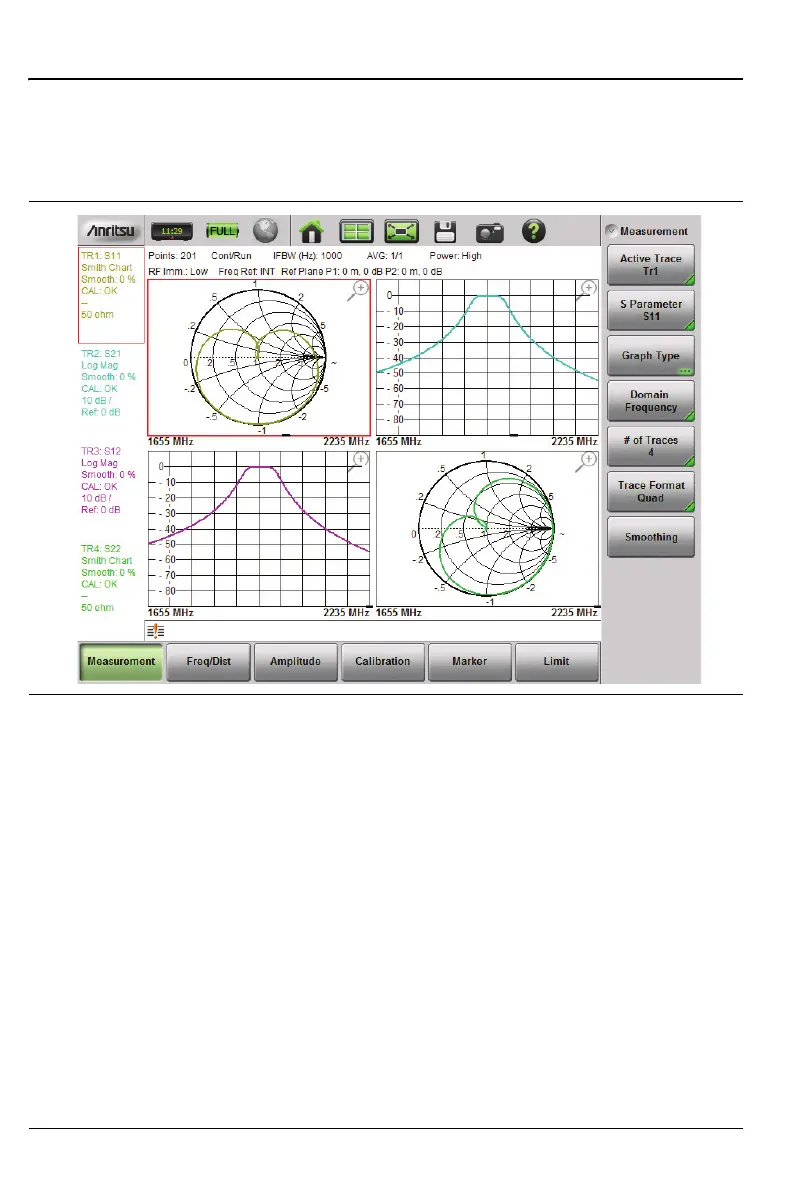
6. Increment the number of traces from 1 back to 4 and note how the
vector network analyzer adds the additional traces to the display. Refer
to Figure 6-8. (Note that Figure 6-3 and Figure 6-8 are the same
measurement illustration.)
At this point, the display is back to the default setting of Quad with 4 traces.
Regardless of the Trace Format that is selected, the number of traces that are
displayed is controlled by the Number of Traces submenu key. For a brief
description, refer to the examples in section “Trace Format and Number of
Traces” on page 6-21.
Figure 6-8. Format = Quad, Traces = 4 (same as Figure 6-3)











 To Next Page