8-10 PN: 10580-00343 Rev. H S820E UG
8-4 Relative Measurements Vector Voltmeter
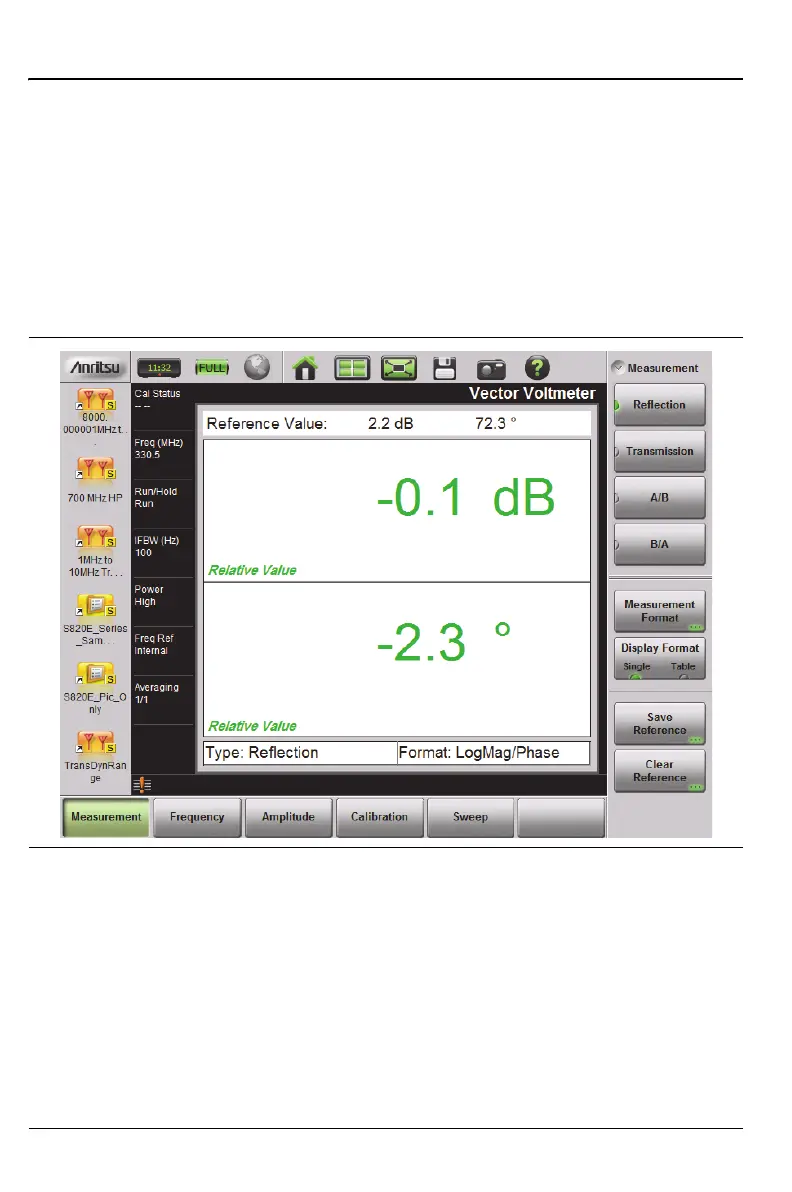
5. As shown in Figure 8-7, the current measurement is saved and
displayed as the Reference Value (at the top of the VVM display). The
displayed values are now relative to the saved values, which are the
difference between the current measurement and the saved reference.
In other words, saving a reference will normalize the results to the
current measurement.
The amplitude and phase windows now display Relative Value, and
their text and data are displayed in green. If you clear the reference
values, then the data are again displayed in black.
6. Additional DUTs may be connected consecutively (as required), and
their relative results will be based on the stored reference.
7. To create a new reference, press the Clear Reference submenu key, then
press the Save Reference submenu key while measuring the DUT for
which you want to capture the new reference values.
Figure 8-7. Relative Reflection Measurement











 To Next Page