S820E UG PN: 10580-00343 Rev. H 8-13
Vector Voltmeter 8-5 Table Display Format
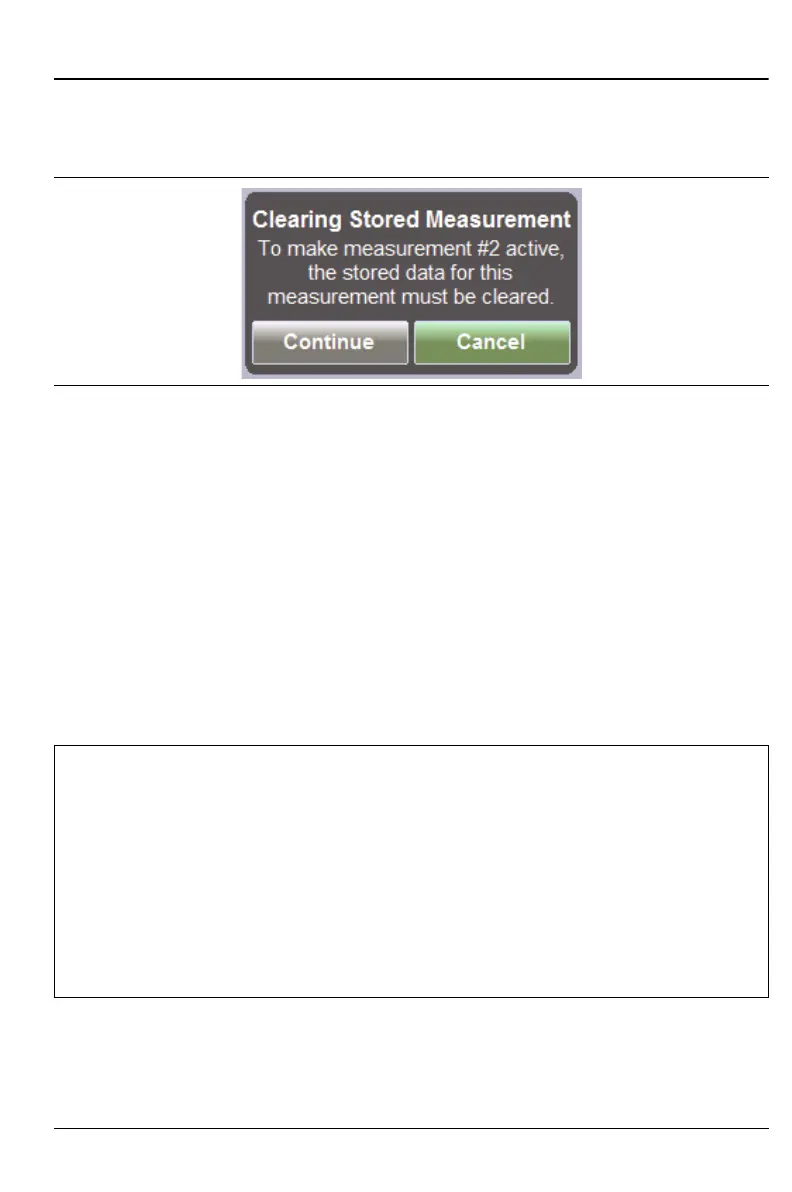
When you press Enter on a saved row, a message is displayed (see
Figure 8-9). In order to make the measurement row active, the stored data
must be cleared. Press the Continue button or the Cancel button.
When you have saved 12 measurements (the table rows are all used), if you
press Enter again, you are asked if you want to clear the active measurement
and remeasure. If you highlight any saved row and press Enter, you are asked
if you want to clear the measurement and make that row active.
When the Display Format is set to Tab le, an additional submenu key
(Clear Table) is displayed at the bottom of the list to allow you to clear the
entire table. A message is displayed asking you to confirm your choice. When
the table is cleared, the active measurement returns to row 1. The saved
reference remains as the reference value.
You can continue to make measurements with the same saved reference until
you press the Clear Reference key.
Figure 8-9. Message – Clearing Stored Measurement
Note
Clearing the reference while using the Table Display Format will
immediately clear all of the relative measurement values that
have been stored within the table. The stored measurements are
not affected.
As soon as you save another reference value, all of the relative
measurement values are recalculated for stored measurements.
Pressing Save Reference when a reference value is already
saved, overwrites the saved reference with the new (current)
value.











 To Next Page