2-6 PN: 10580-00343 Rev. H S820E UG
2-4 Front Panel Overview Instrument Overview
Create a Menu Shortcut for a Submenu Key
Press and hold down any submenu key to add a shortcut to the Menu screen.
After a few seconds the Menu screen is automatically displayed showing the
available locations for the shortcut. Select an unused location to store the new
shortcut.
Create a Menu Shortcut for a Setup File
Press File (7) then the Recall submenu key to display saved files. Locate the
desired setup file (.stp) to shortcut and then, using the touchscreen, press
and hold on the file name until the Menu screen is displayed. Select an
unused location to save the setup file shortcut icon.
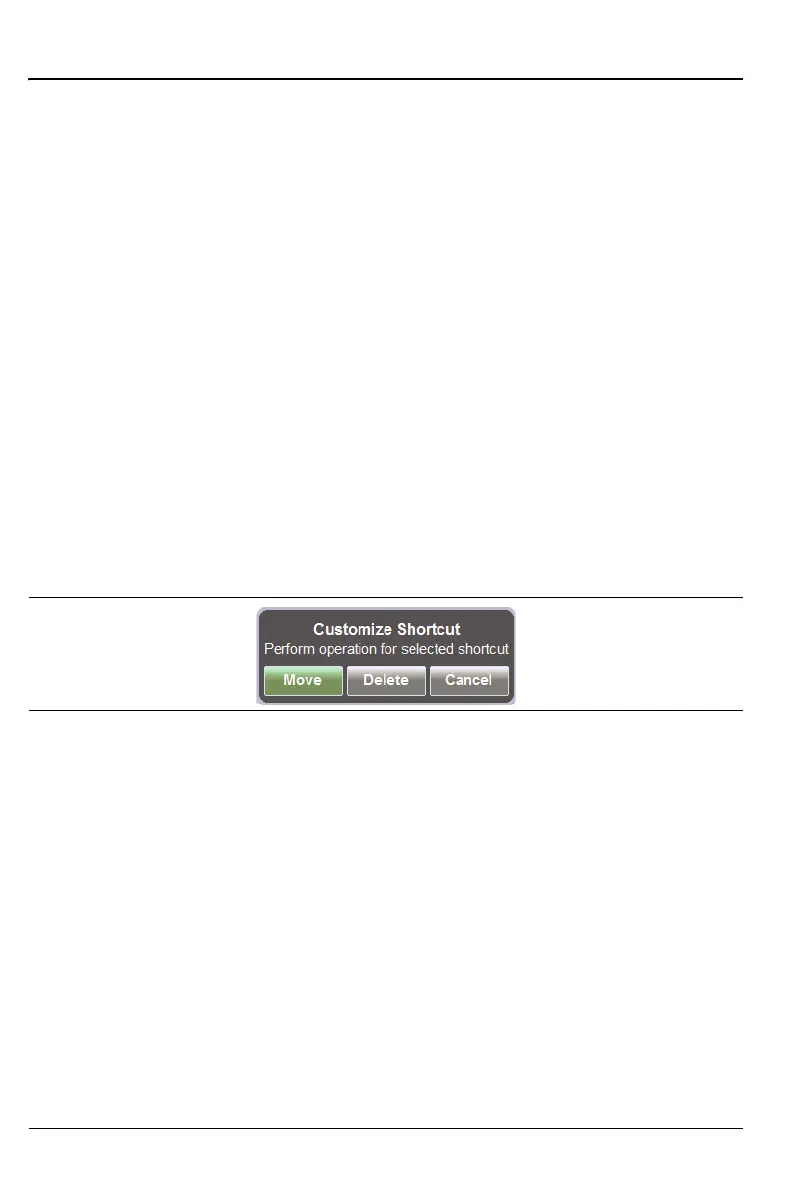
User-defined shortcuts stay in memory until deleted. To delete or move a
shortcut button, press the Menu key, then press and hold the shortcut until
the Customize Shortcut dialog box (Figure 2-2) appears. This dialog box
provides options to delete or move the shortcut. If Move is selected, then a
green rectangle outlines the shortcut button. Touch the new location where
the button is to be placed. If the location is empty, then the outlined button
moves there. If the location contains a button already, then the two buttons
swap locations.
If a file (with an assigned shortcut) is moved or deleted, then that shortcut
icon becomes nonfunctional and must be removed manually. If a
nonfunctional shortcut is pressed, then a message is displayed:
“Error Recalling File...”
Figure 2-3 shows the Menu key screen with shortcut icons for the installed
measurement modes. Touch one of the icons in the top row to change
measurement modes.
Figure 2-2. Customize Shortcut











 To Next Page