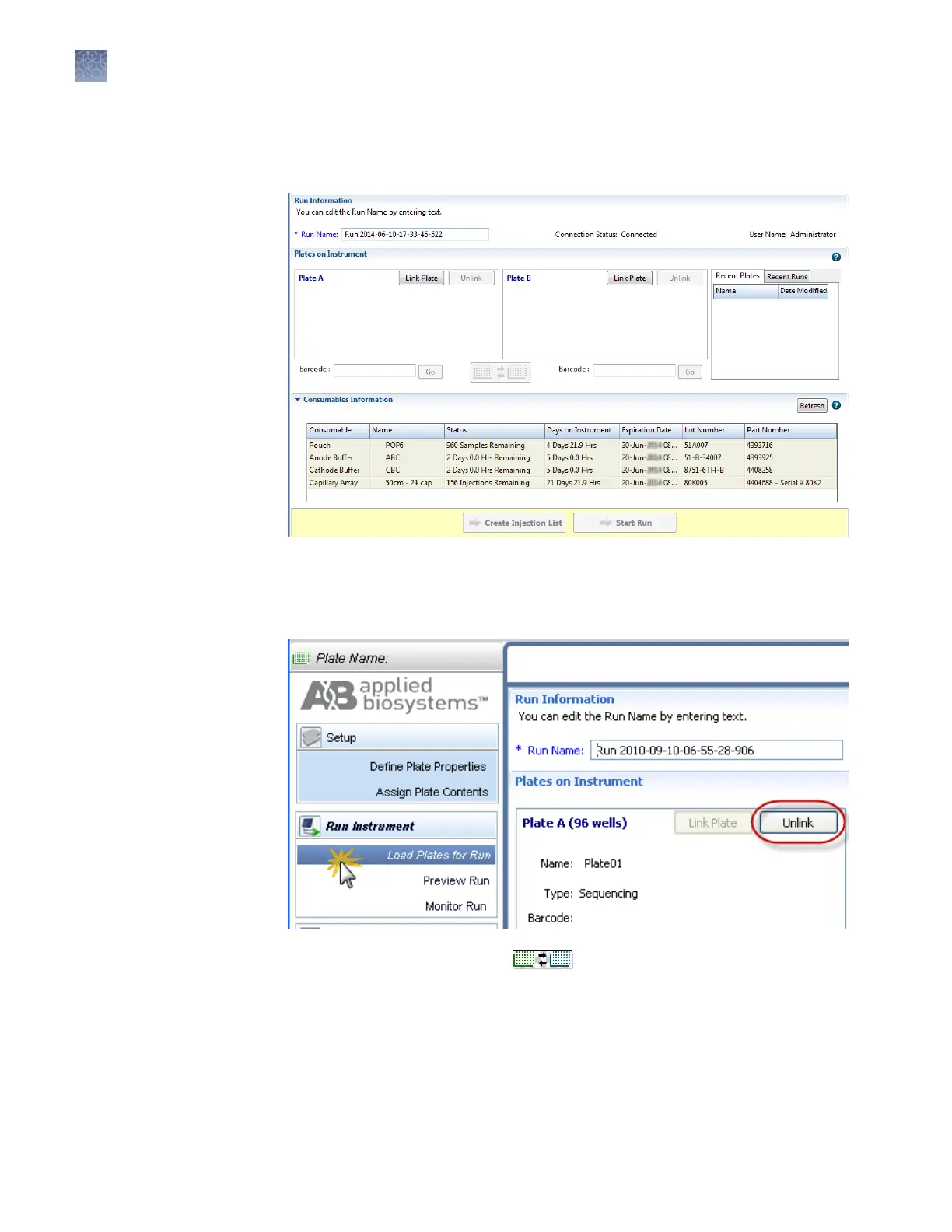
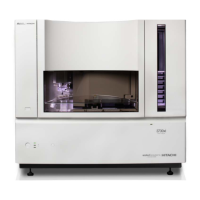
When you access the Load Plates for Run screen by clicking Load Plates for Run
on the Assign Plate Contents screen, the plate is automatically linked (indicated
by the activ
e Unlink buon).
Figure 7 Load Plat
es for Run
4.
If needed, click Unlink, then follow the steps in “Link a plate (if a plate is not
linked)“ on page 61.
5.
As needed, click Switch Plates ( ) to assign the plate to the other
position in the autosampler
.
Chapter 3 Set up and run
Load plates for run and create the injection list
3
60
3500/3500xL Genetic Analyzer User Guide—Data Collection Software v3.1


 To Next Page