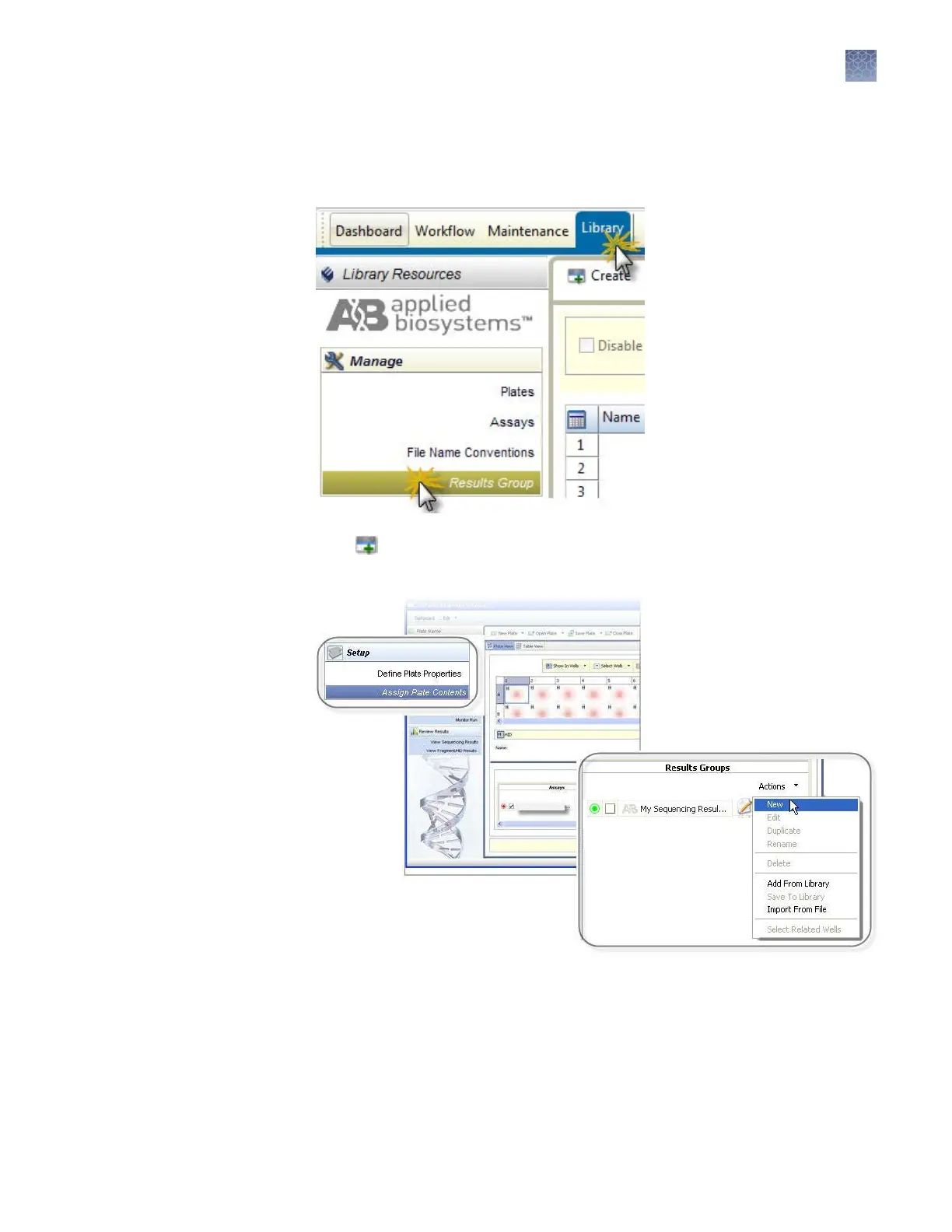
If factory-provided results groups do not suit your needs, you can create new results
groups:
1.
Access the Results Group library
.
2.
Click Create.
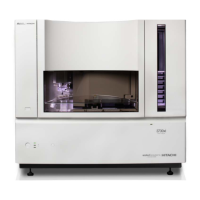
Note: You can also create a results group from the Assign Plate Contents screen.
Create a new
Results Group
Chapter 7 Manage library resources
Results Group library
7
3500/3500xL Genetic Analyzer User Guide—Data Collection Software v3.1
153


 To Next Page