Interactive Set-Up
AX3000 Models 90 - User's Manual 47
3.1.4 - Server Management
A server is a TCP/IP machine (Windows, Unix/Linux, AS/400, etc) to which the
thin client can open connections.
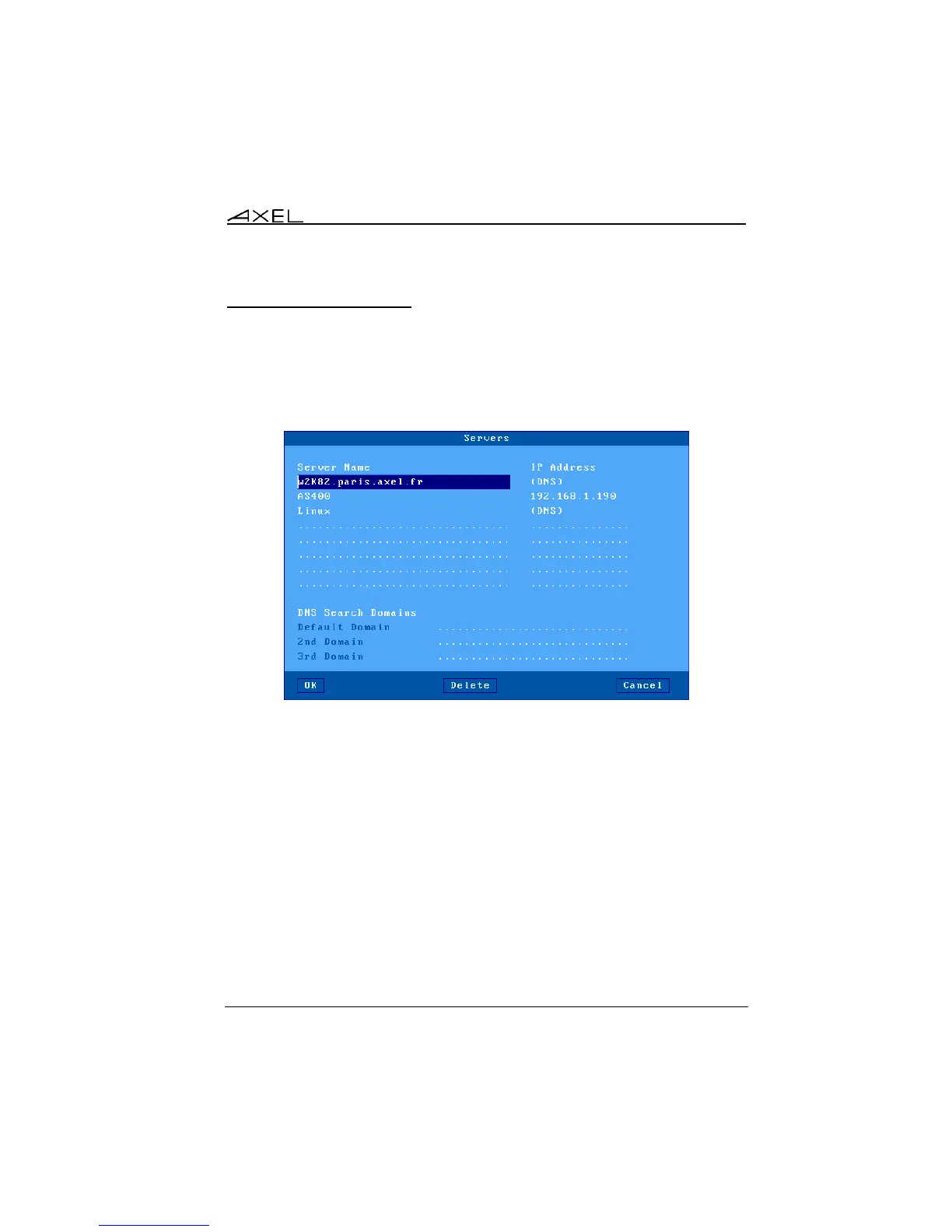
To configure the server table, select the [Configuration]-[Network]-[Servers]
menu. A dialog box as shown below is displayed:
The server definition depends on whether DNS is used:
- No DNS: a server is identified by both an alphanumeric character string
and an IP address. (AS400 in the example)
- With DNS: a server is defined only by its name. This name can be either
a full name (w2k8r2.paris.axel.fr) or an incomplete name (Linux). Its IP
address is resolved later. (See Appendix A.4)
Add a Server: move the highlight cursor to a vacant line and enter the name
and either its IP address or DNS name. (A server can also be added from the
session profile dialog box.)
Delete a Server: select the server and press [Delete].
Change a Server: move the highlight cursor over the name or IP address of the
server and enter the new value.



 To Next Page