6. GUI orientation
6.27 Programming Menu > Adjustment area > Global Transition Rate/Trans/Cut
General
At the bottom of the adjustment panel, is the transition rate and type buttons. T hese actions a re ex ecuted for the selected Destina-
tions.
Description
These controls are disabled if n o Destination i s selected
Image 6-59
All Trans button
This button transitions the Preview into Program according to the transition rate. T he transition R ate is transition rate in seconds.
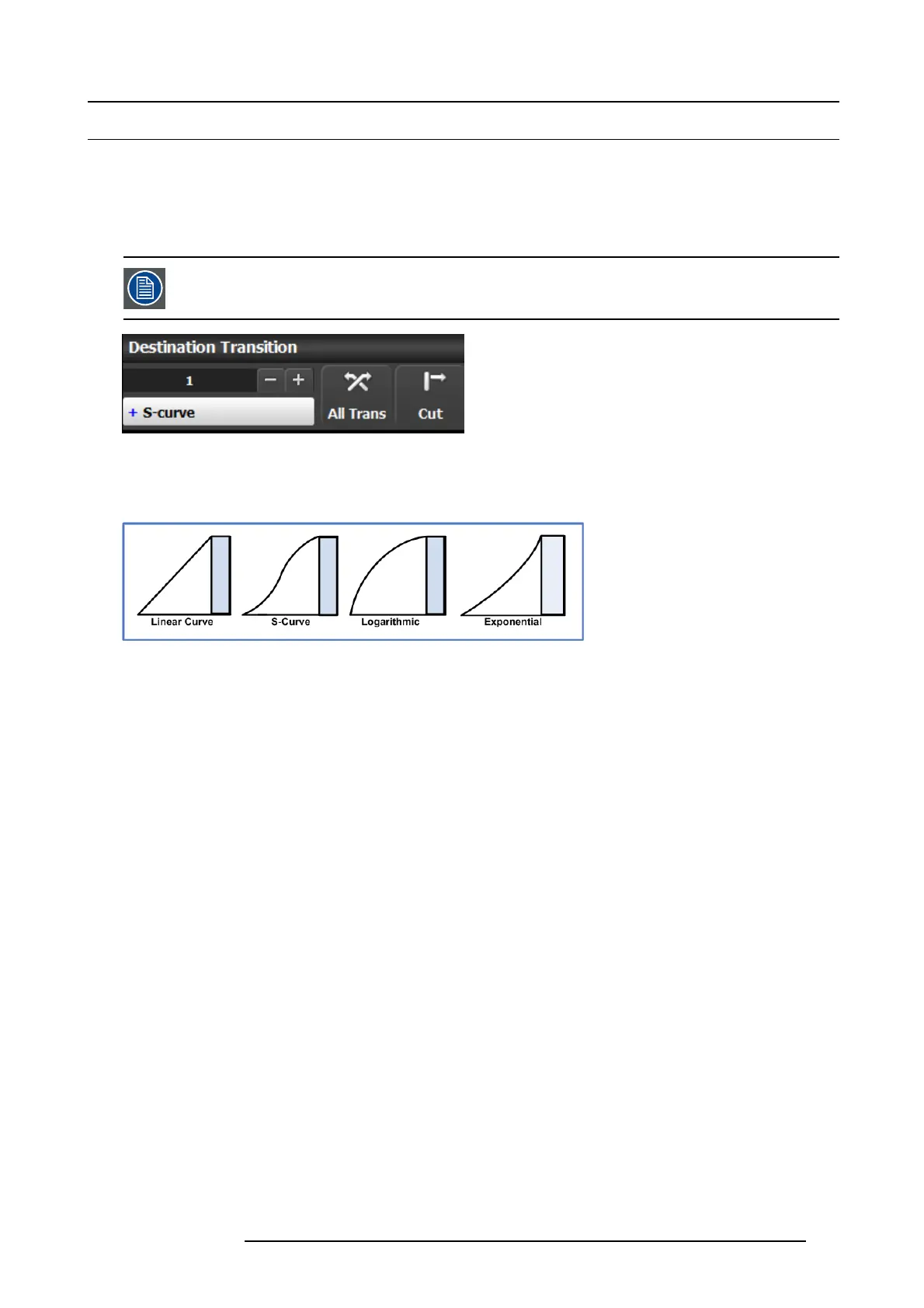
Four transition types are available: Linear, S-Curve, Logarithmic and Expo nential
Image 6-60
CUT button
Pressing the CUT button immediately presents the Preview to the Pr ogram.
R5905948 E2 12/12/2014
133



 To Next Page