6. GUI orientation
6.37 Settings Menu > WebKit area > D ashboard
General
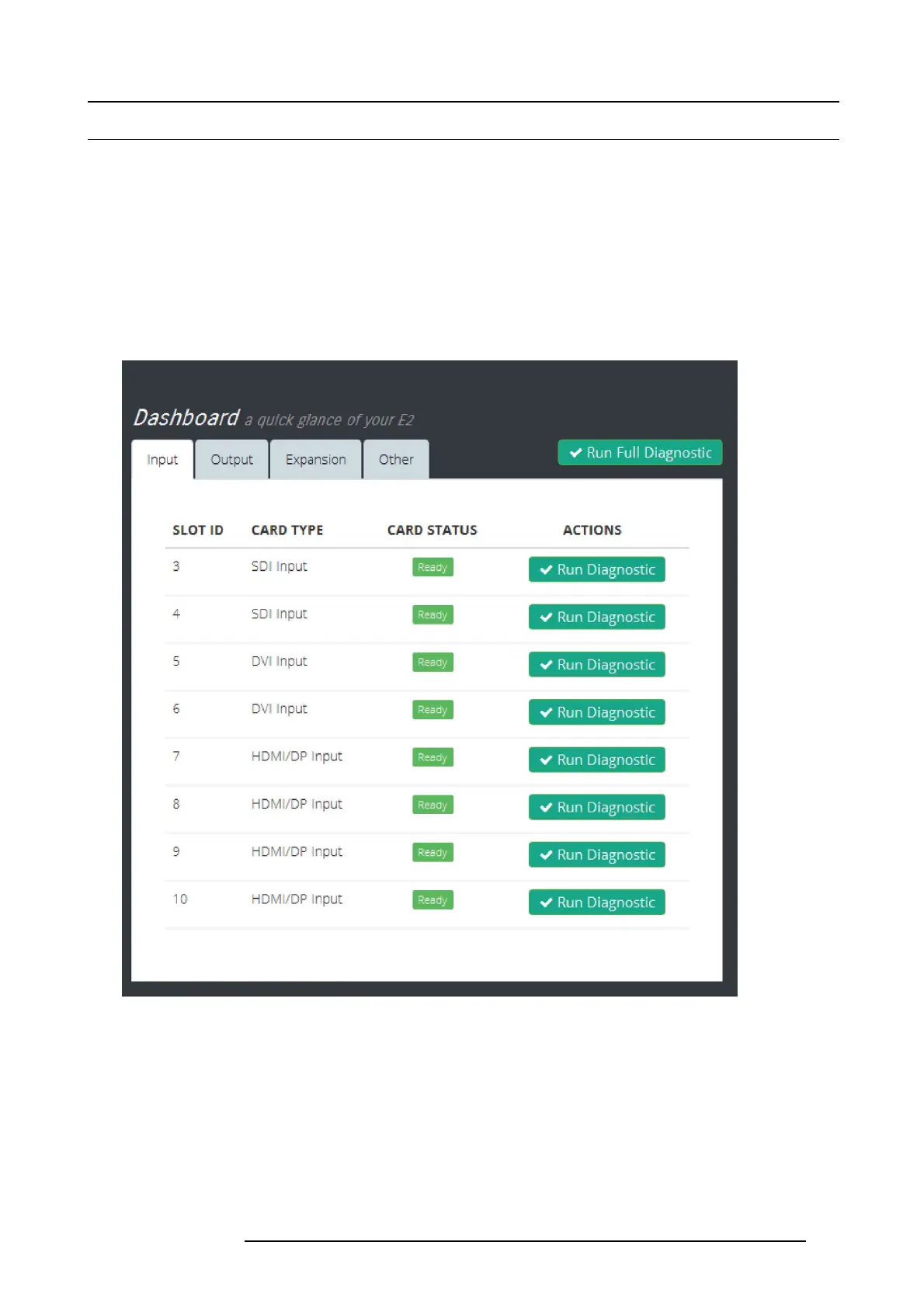
The four submenus in the Dashboard window pr ovide access to card diagnostics software:
• Inputs
• Outputs
• Expansion
• Other
Inputs
The Inputs menu presents a list of the input cards installed in the s ystem. The status column indicates whether any errors have
been detected. Detailed diagnostics tests for each card are performed by selecting the diagnostics button under the action column.
Image 6-71
When the diagnostic button is selected, the unit generates a detailed report w ith a Pass or Fail indication.
R5905948 E2 12/12/2014
145



 To Next Page