5. Front Panel Menu orientation
5.4 About Status menu
General
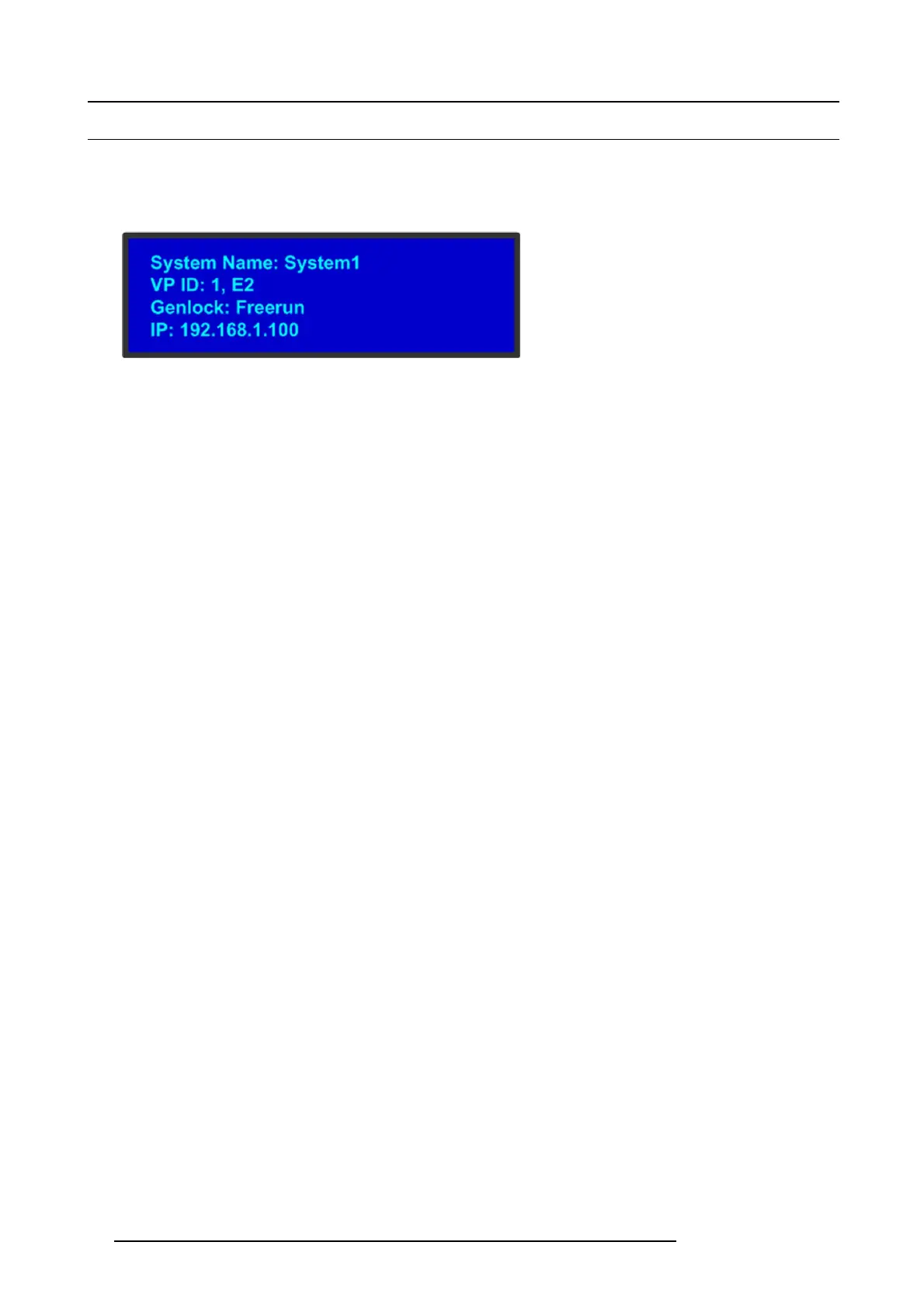
The St atu s M enu is the E2 ’s top-level m enu, which a ppears by default at system startup. Th is menu provides system nam e, Unit ID,
Genlock s tatus and E2 IP a ddress. The following figure illustrates a sample Status Menu. Press the ESC button when the Setu p
menu is displayed allows to return in the Status menu.
Image 5-6
Status menu
System name
Human readable name of the current E2 system. Pa rticularly useful in the user interface when multiple E2 system are connected in
the sam e network.
System1 is the default value. T his name ca n be changed in the configu ration page of the GUI. For more details please refer to the
section dedicated to the E2 configuration in the chapter "Configuration Menu ", page 76.
Unit ID
ID required t o identify different units are acting as a single system in order to expand for Inputs, Outputs or L ayers.
This ID can be c hanged in the configuration page of the GUI. For more de
tails please r efer to the section dedicated to the E2
config uration in the chapter "Configuration Menu", page 76 .
Genlock
This line gives information about the Genlock connection situated at the back of the E2 system. For m ore detail on this connection
please refer to the section dedicated to the Genlock Input BNC in the chapter"Rear panel", page 32.
The user could turn G enlock OFF or ON in the config uration page of the GUI. E2 will determine what kind of Genlock is connected
and will update the S tatus field. The status field can say “Locked”, “Lost Lock” or “Free Ru n”. For more details please refer to the
section dedicated to t he E2 configuration in the chapter "Sy stem Setup", page 157.
IP address
IP address of the E2 system in the local network.
If there is no internet connection, o r if a D HCP ser
ver has not been found, the IP address is 000.000.000.000. The IP addr ess is
needed for running the Web Interface and for connection to an external device. For more details please refer to the section dedicated
to the setting of Ethernet options in the chapter "About the S ystem men u", page 52
50
R5905948 E2 12/12/2014



 To Next Page