10. Maintenance
10.27 Keyboard Cable
Image 10-70
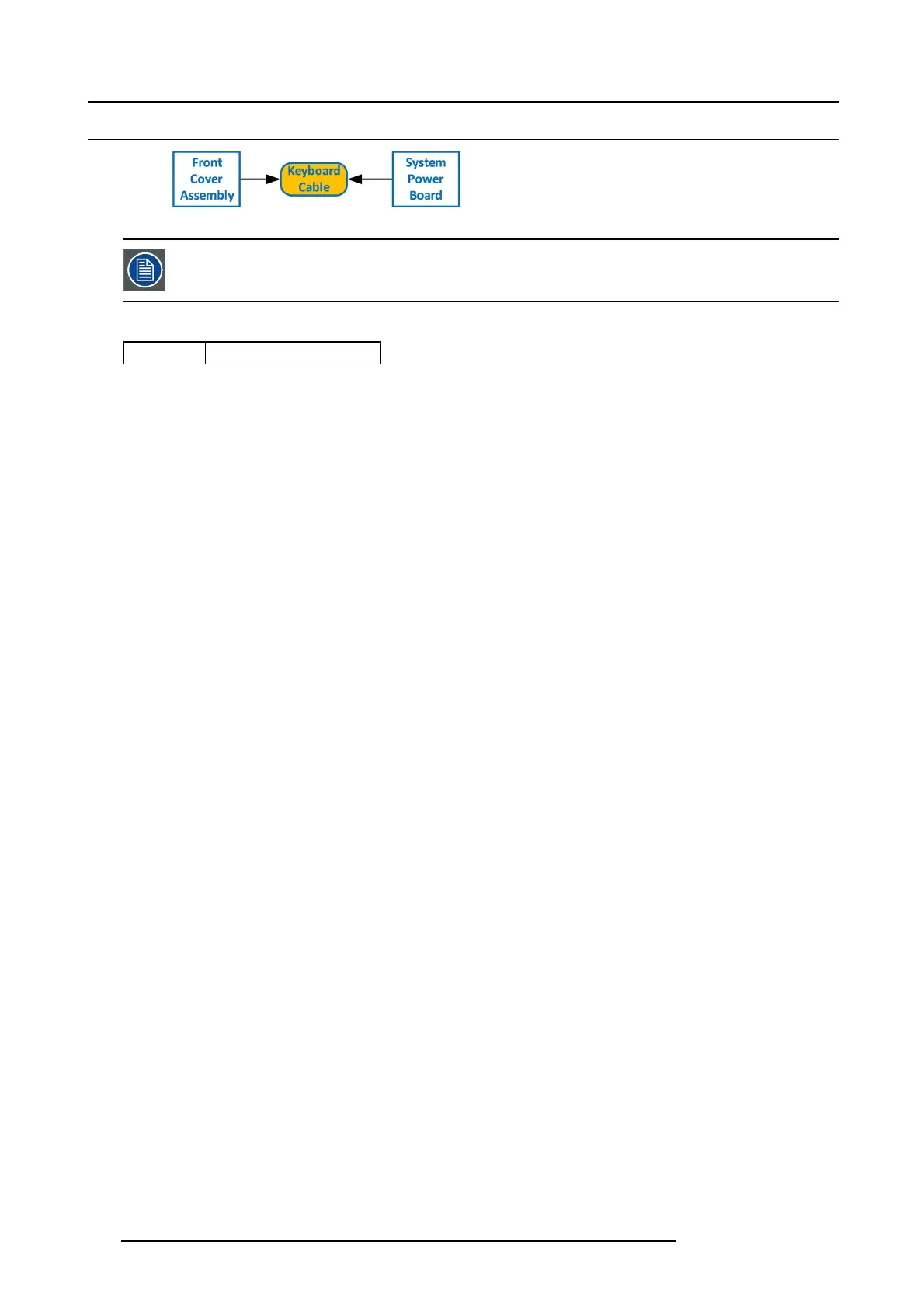
The flat ribbon keyboard cable connects the Front panel board to the System-Power board. This procedure
provides instructions on how to disconnect the cable on both s ides.
Concerned parts
R767269K
Cable K it S et
Necessary tools
• 1 x Phillips Screw driv e r #2
• Hex Sc re w driver
How to remove the K eyboard cable
1. Follow the steps detailed in other procedures to remove the Front Co ver Assembly, Front brackets, EM I filter, 3RU Fan Tray and
1RU Fan Tray. Mak e sure that the Keyboard Cable is disconnected from the Front Panel board.
2. Remove the Power supplies from the unit.
3. Turn the unit upside down and follow the s teps detailed in other procedures to remove the B ottom P anel and the CPU m odule
from the System-Power board.
4. Remove the USB, VFD, 3RU and 1RU cables that are connected to the System-Power board.
5. Remove the screws that attach the System-Power Board to the standoffs.
6. Lift the System Power B oard from the standoffs and flip it ove r, but don’t exten
dittoomuch.
7. Locate the keyboard c onnector and pus h the latches out to release the cable.
260
R5905948 E2 12/12/2014



 To Next Page