5. Front Panel Menu orientation
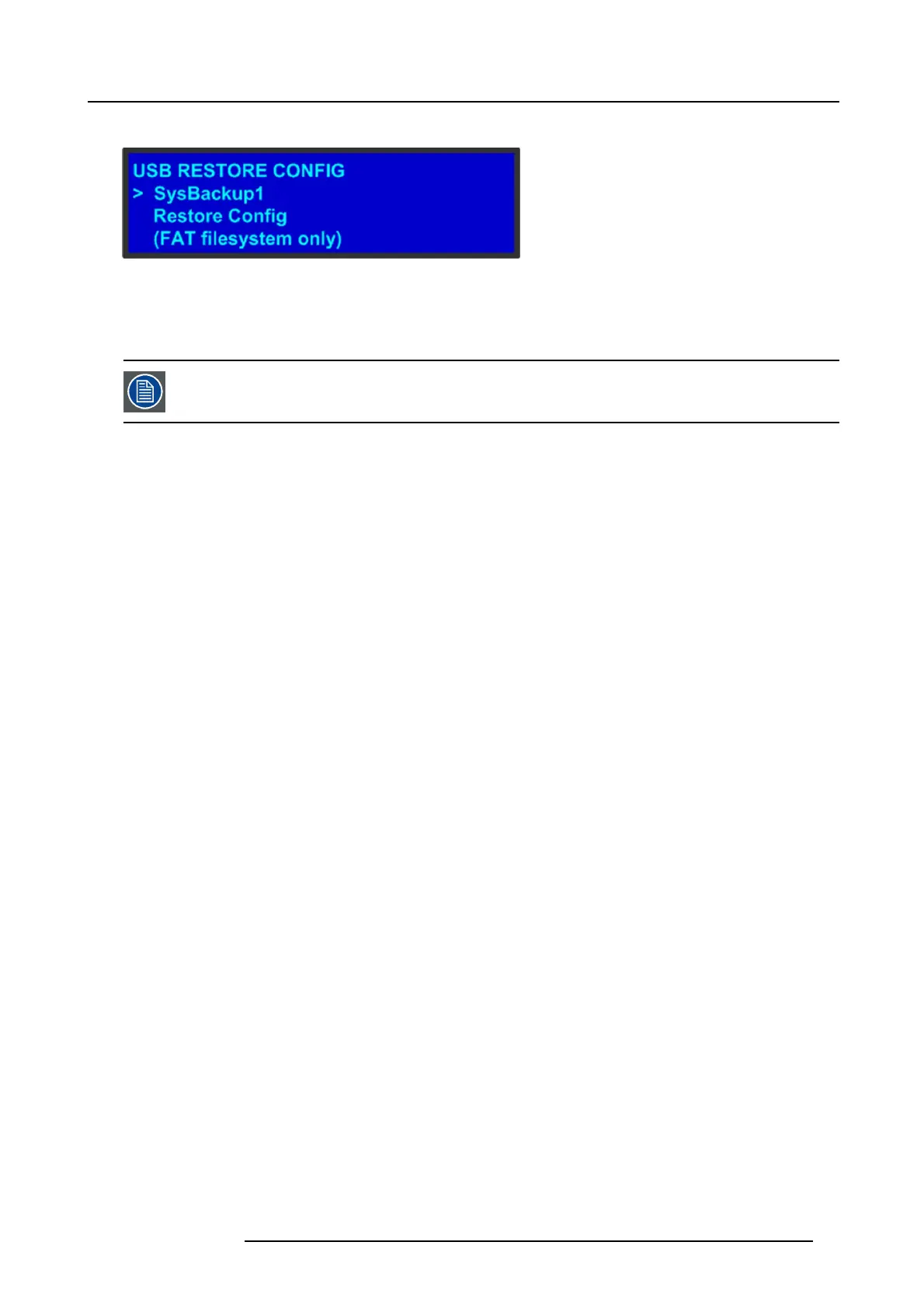
The USB Restore Config submenu appea rs, as shown in the following illustration.
Image 5-12
3. Press SE L and scroll through the list o f configuration files. When you locate the file you w ant, p ress SEL again.
4. Scroll to Restore Config and press SEL.
A message con firms the restore operation and instructs you to reboot the E2.
You must reboot the E2 to use the restored configurati on file.
R5905948 E2 12/12/2014 55



 To Next Page