6. GUI orientation
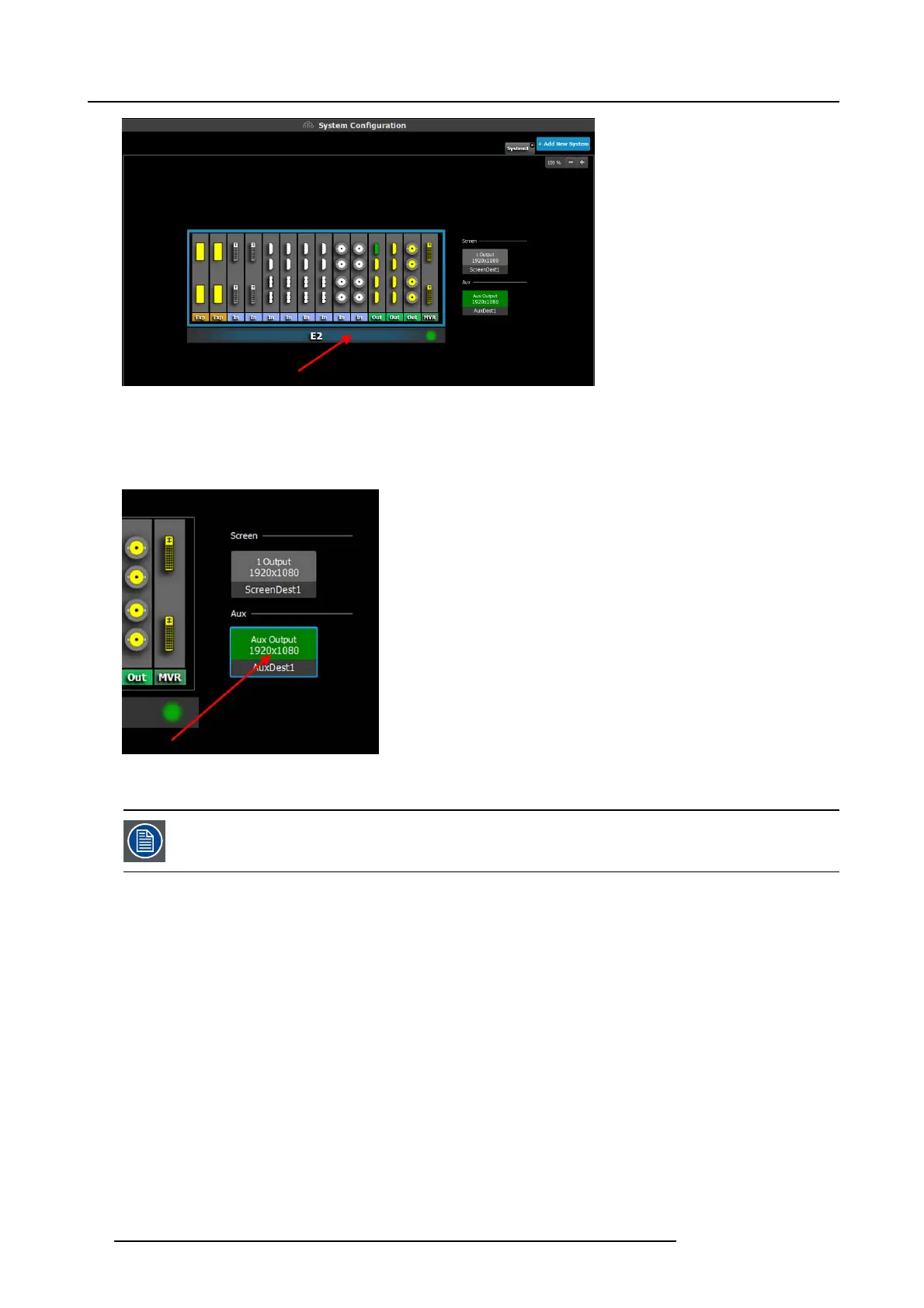
Image 6-11
The device is s elected. The device is highlighted in blue.
How to select destination (Screen, Aux)
1. Click on a destination (e.g. A ux.).
Image 6-12
The des tination is selected. The destination is highlighted in blue.
Select a device or a destinat ion in the Diagram area allows it to display the parameters corresponding to this
selection in t he Adjustment area. See
Adjust Tab in the section "Configuration Men u > Adjustment area", page
82
80 R5905948 E2 12/12/2014



 To Next Page