5-64 Starling Monitor - User Guide
Data Export
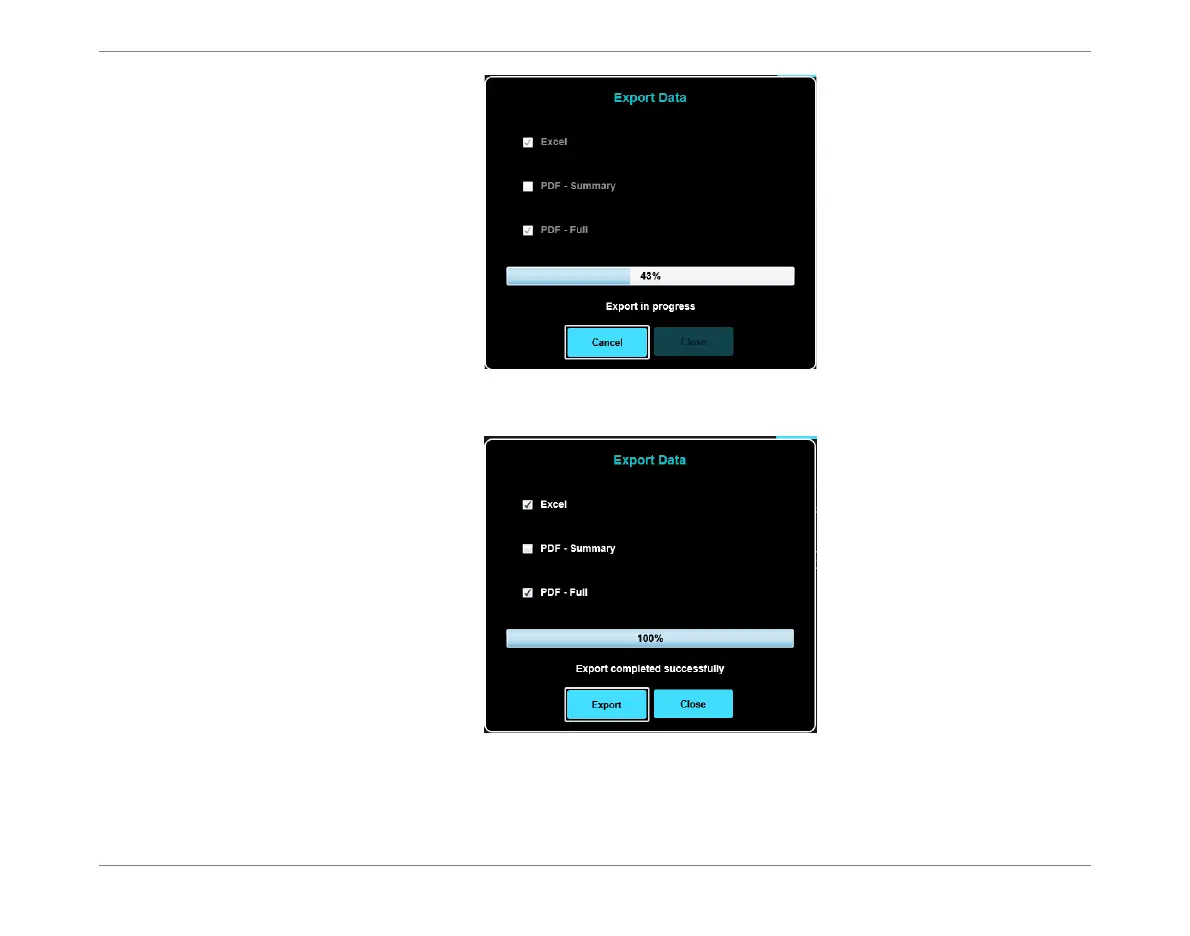
Successful completion is confirmed with the displayed message:
7. Remove the flash drive from the USB port, then tap the Close button.
The dialog box closes.
Note
The Exported Monitoring Session data can be viewed on any PC, as required.
Figure 5-58 Export in Progress
Figure 5-59 Export Successful













 To Next Page