5-66 Starling Monitor - User Guide
Data Export
Note
A
Starling
Report in Excel format will include the following categories of Session Results
information: General, Clinical, Test Graphs, Dynamic Assessment Test Results, and Print Screens (as
applicable) - each on a separate sheet.
A
Starling
PDF Full Report includes Test Graphs, Session Results, Dynamic Assessment Test
Results, Events, and Print Screens (as applicable).
7. Tap the Export button.
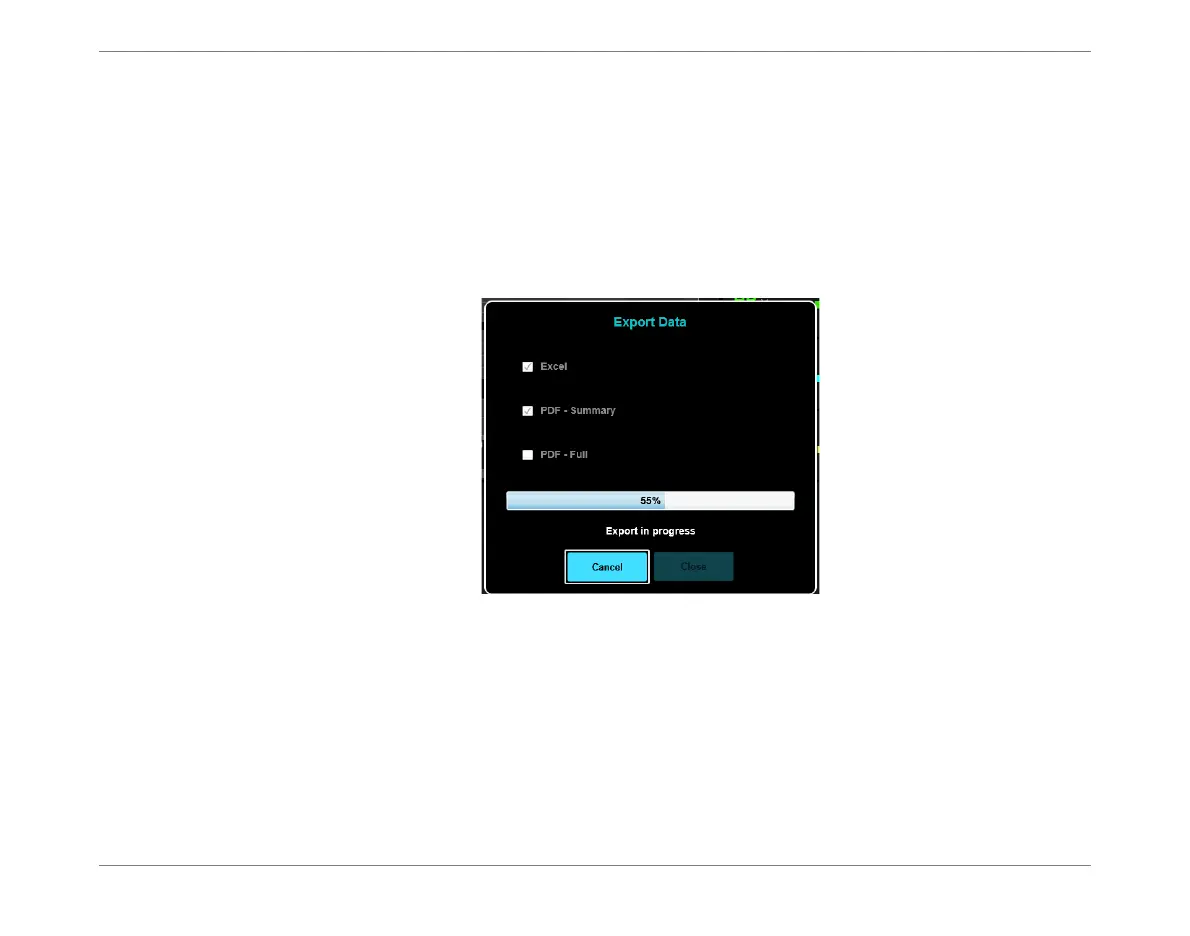
The Export process commences; a progress bar is displayed - Figure 5-61.
Figure 5-61 Export in Progress












 To Next Page