CAPINTEC, INC. CAPTUS
®
3000
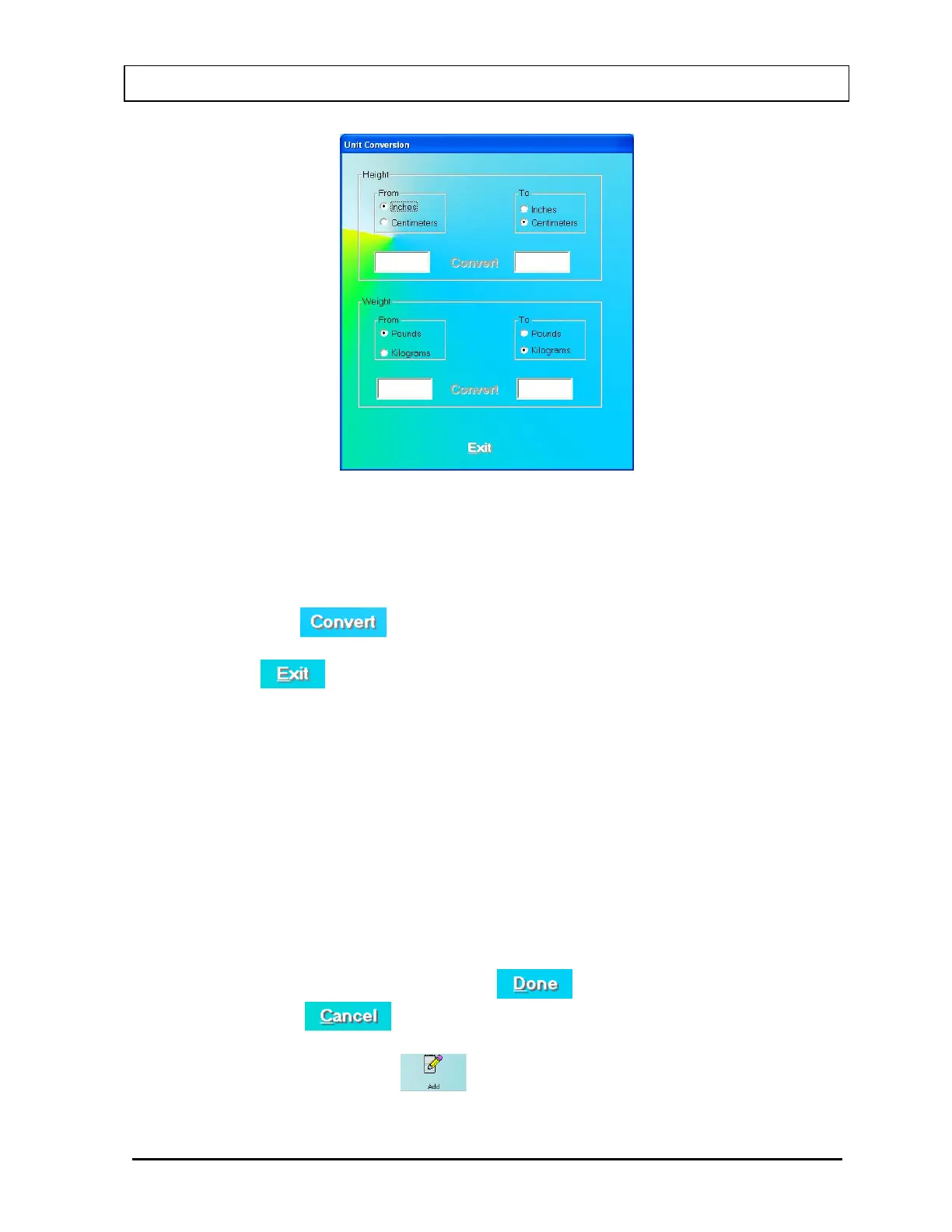
Figure 10-30
This screen converts units for height and weight.
a. Click the appropriate radio button in the From and To frames to convert height or
weight from one unit to another.
b. Click in the text box to input height or weight that is to be converted.
c. Then click the
button to convert the entered value into the other unit.
d. Repeat Steps a, b and c to do more conversions if needed.
e. Click the
button or press Alt+E to return to Figure 10-29.
4. Next, input the Dosage Information.
• The name of the isotope used for the procedure, I-125, appears on the screen.
• The Lot Number and Activity may be determined from your measurements of the
dose in a dose calibrator or from the previously prepared dose label.
5. In the Sample Preparation section, input the hematocrit result for the patient as a
percentage in the Patient HCT box, which will be used in the calculation of the results.
The other two text boxes will show the default values from setup. You may alter them if
necessary.
6. Click in a General Information text box if you wish to change the default value for
Counting Time or enter the ID number of the technician performing the procedure.
7. When finished adding patient data, click the
button to save the entered
information, or the
button to discard the changes.
8. To add more patients, click the
icon on Figure 10-27 I 125 Blood Volume Test
Main Screen.
November 13 LAB TESTS 10-23



 To Next Page