CAPINTEC, INC. CAPTUS
®
3000
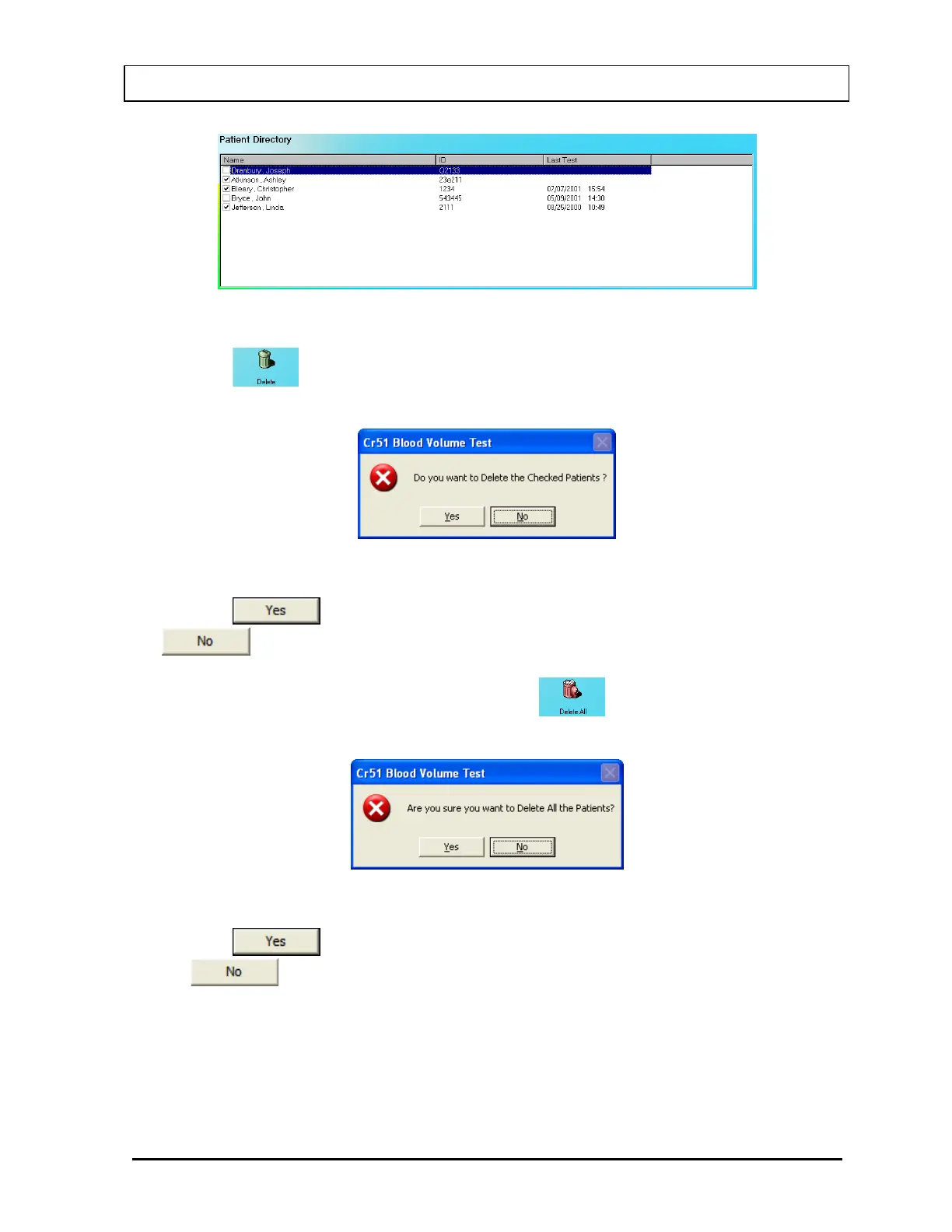
Figure 10-51
2. Click the
icon. Figure 10-52 will appear.
Figure 10-52
3. Click the button or press the Y key to confirm the deletion or click the
button or press the N key to cancel.
4. To delete all the patients at once, simply click the
icon. You will be prompted to
confirm the deletion. Figure 10-53 will appear.
Figure 10-53
5. Click the
button or press the Y key to confirm the deletion. Otherwise, click
the
button or press the N key.
November 13 LAB TESTS 10-37



 To Next Page