CAPINTEC, INC. CAPTUS
®
3000
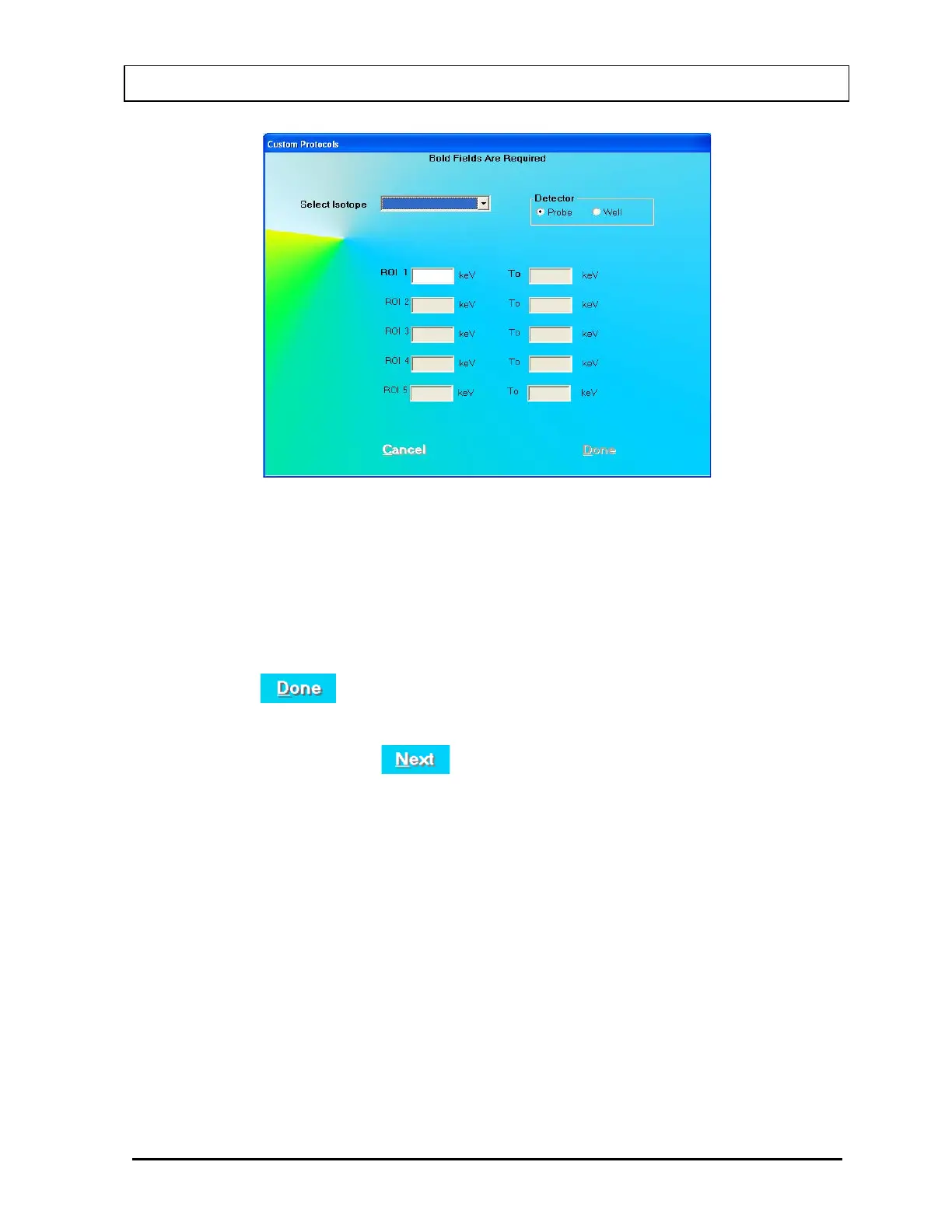
Figure 16-5
10. Click the appropriate radio button in the Detector frame to select the detector (Probe
or Well) that will be used for the measurements.
11. In the Select Isotope drop-down list box, select the Isotope that will be measured.
The ROIs appropriate for the detector and isotope will be filled in. These ROIs may be
edited or added to.
12. Click the
button or press ALT+D to save the entries and return to the
previous (Protocol Setup) screen (Figure 16-3).
13. On Figure 16-3, click the
button or press ALT+N when all the entries have
been made. The measurement setup window for the first measurement will appear as
shown in Figure 16-6.
November 13 CUSTOM PROTOCOLS 16-5



 To Next Page