RX2520 M4
Upgrade and Maintenance Manual 187
Hard disk drive (HDD) and solid state drive (SSD)
7.4.11 Replacing the connector card
7.4.11.1 Preliminary steps
Ê "Locating the defective server" on page 45
Ê "Suspending BitLocker functionality" on page 67
Ê "Shutting down the server" on page 48
Ê "Disconnecting the power cord" on page 49
Ê "Getting access to the component" on page 50
Ê "Removing the air duct" on page 61
Ê "Removing the fan holder" on page 63
7.4.11.2 Removing the defective connector card
Ê Remove the SAS expander board holder, see section "Removing the SAS
expander board holder" on page 177.
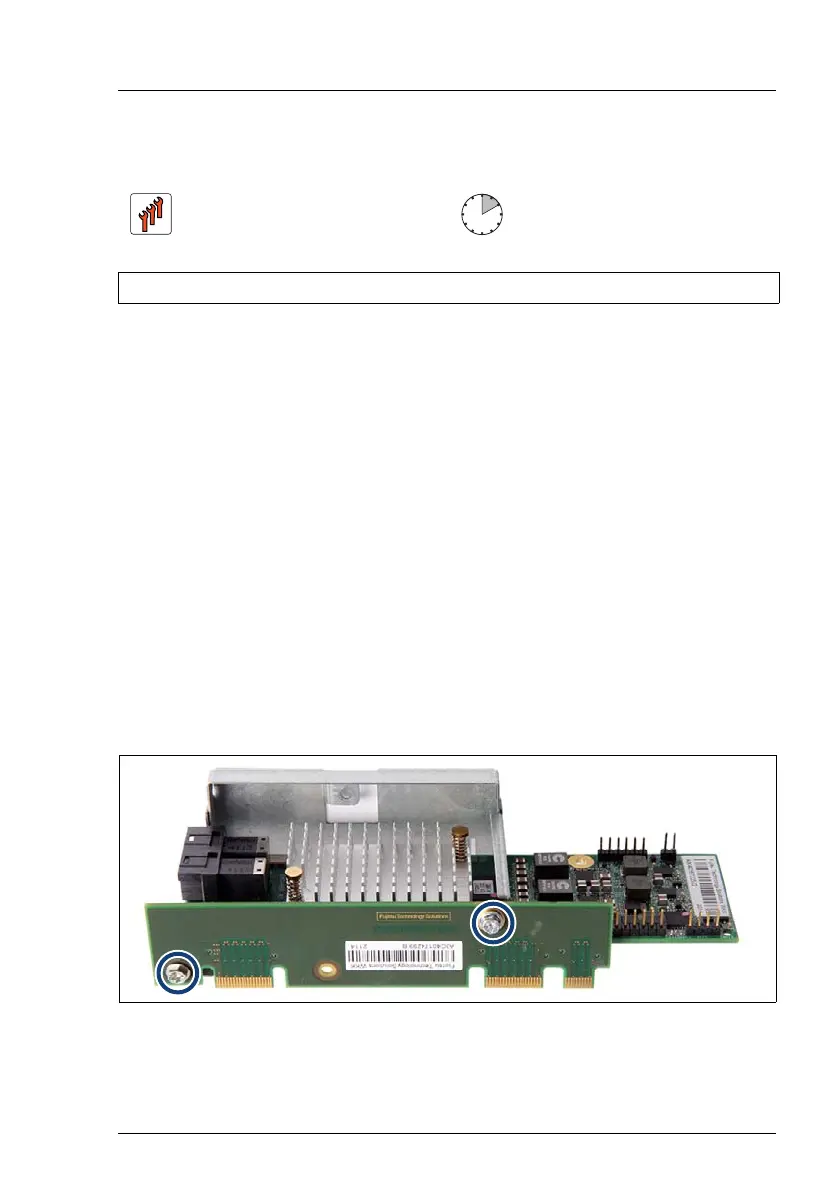
Figure 97: Removing the connector card
Ê Remove the two screws (see circles).
Ê Disconnect the connector card from the SAS expander board.
Field Replaceable Unit
(FRU)
Hardware: 10 minutes
Tools: Phillips PZ2 / (+) No. 2 screw driver / hexagon screw driver 5 mm



 To Next Page
 Loading...









