179
F3SG-SR
User’s Manual
Chapter4 Basic Operation of SD Manager 3
Setting with SD Manager 3
E
4-2-4-2. Reading Configuration from PC
You can read a configuration file saved on a PC into SD Manager 3.
Start SD Manager 3 offline and click the [Open] button from the tool menu.
Select a desired configuration file (with extension .sdm3) saved on your PC.
4-2-4-3. Saving New Configuration File to PC
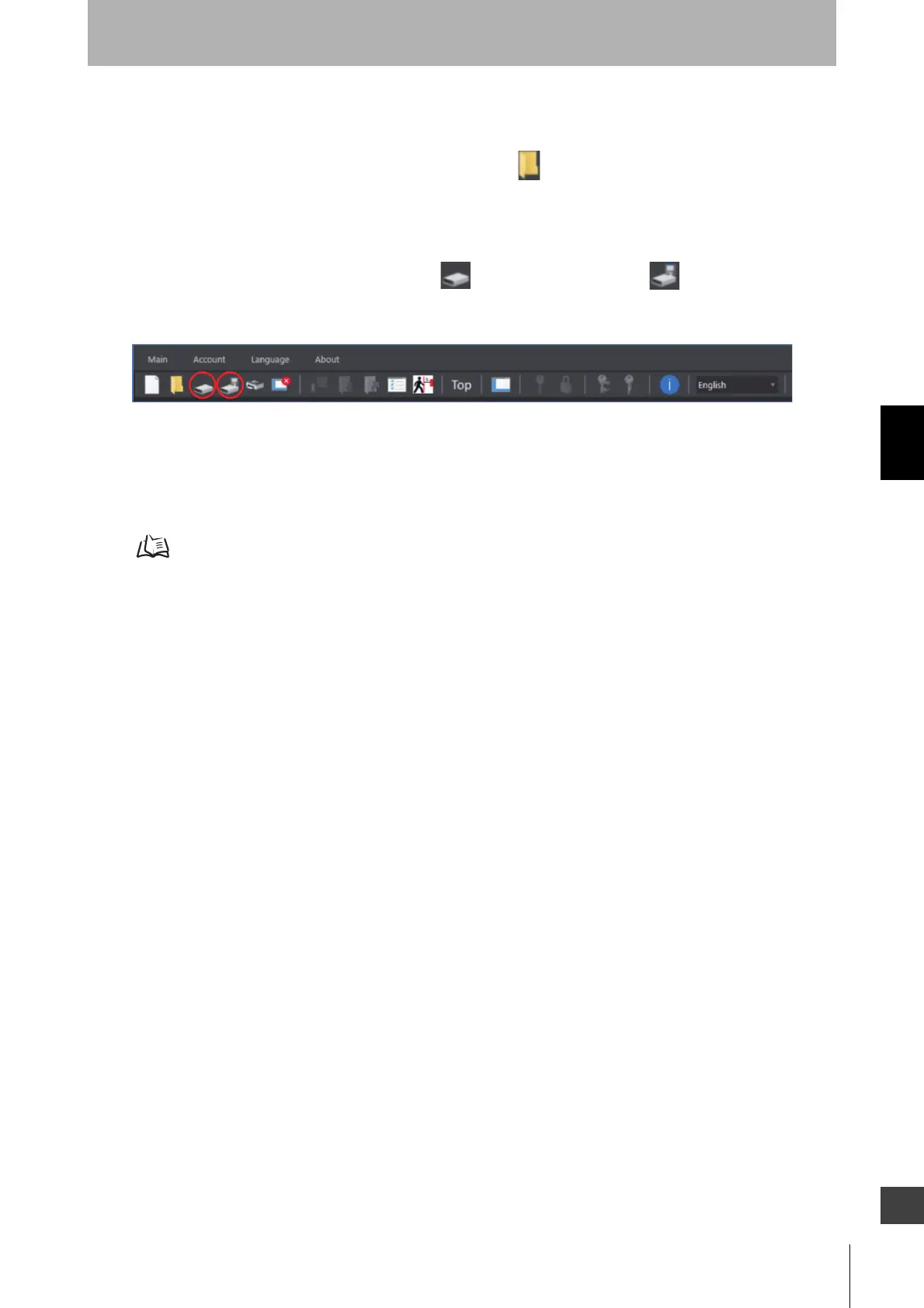
On the tool menu, click the [Save] button or the [Save As] button to save the file in an
arbitrary location on the PC.
4-2-4-4. Switching Offline to Online
When you want to switch the offline state to the state where the F3SG-SR is connected to the PC (or
online state), shut down the SD Manager 3 and start it again. Select a COM port and click the [OK]
button in the startup dialog window.
4-2-3-1. Getting Started



 To Next Page
 Loading...







