181
F3SG-SR
User’s Manual
Chapter4 Basic Operation of SD Manager 3
Setting with SD Manager 3
E
When logging in at the administrator level
Select the administrator level, enter the password, and click [OK].
The initial password is "0000".
When logging in at the operator level
Select the operator level, and click [OK].
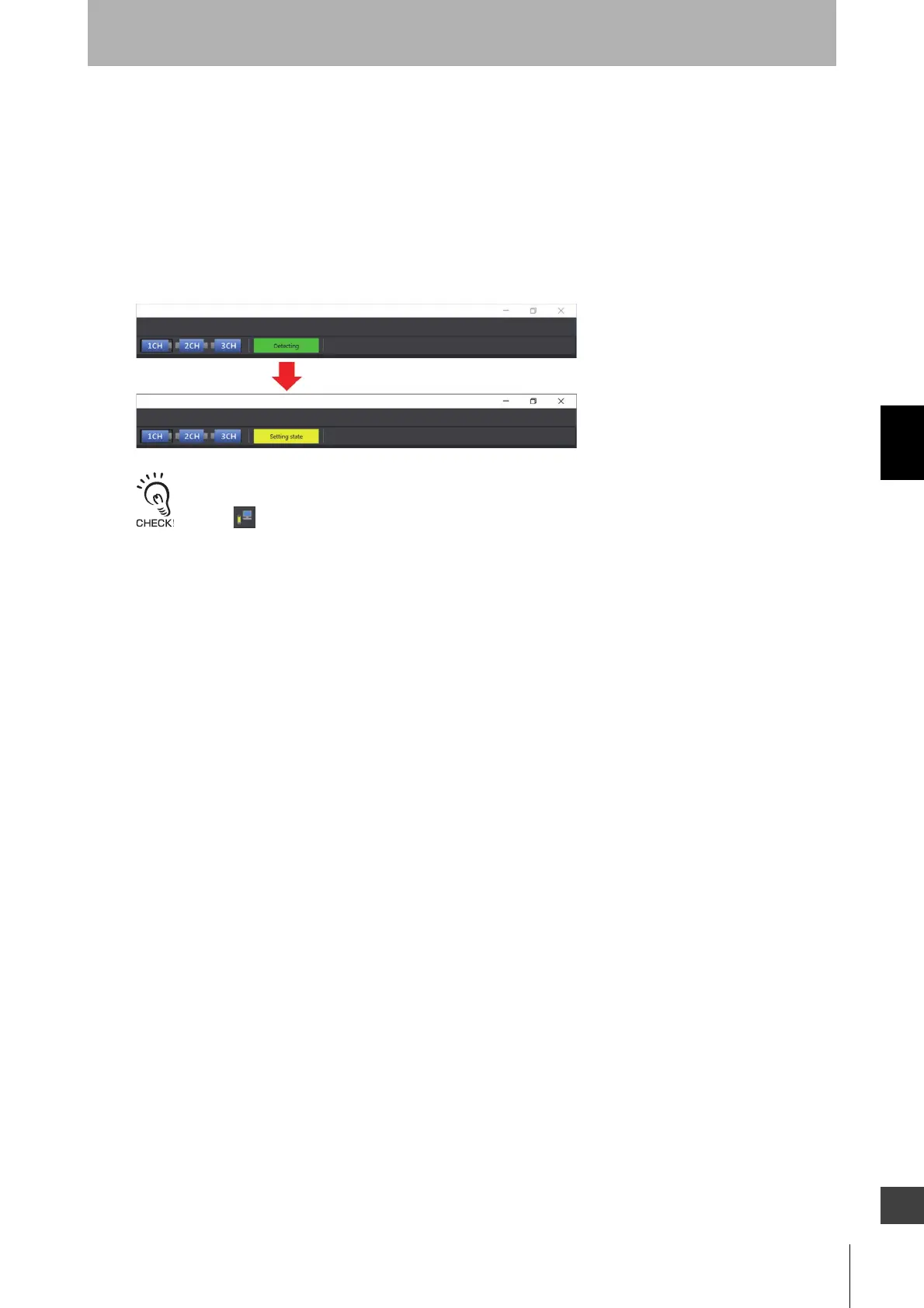
When connecting the Intelligent Tap to F3SG-SR, and when login succeeds, the [Operating state]
indication in the top right corner of the Top page is changed from [Detecting] to [Setting state].
When connecting the Intelligent Tap to a F3SG-SR and trying to return the F3SG-SR to [Detecting], follow step 4 of
4-1-3-2. Connection Procedure When Using USB Connector to restart the F3SG-SR and Intelligent Tap, or click the
[Monitor] button.



 To Next Page
 Loading...







