RADWIN2000UserManual Release2.8.30 29‐3
SomeWorkingTips
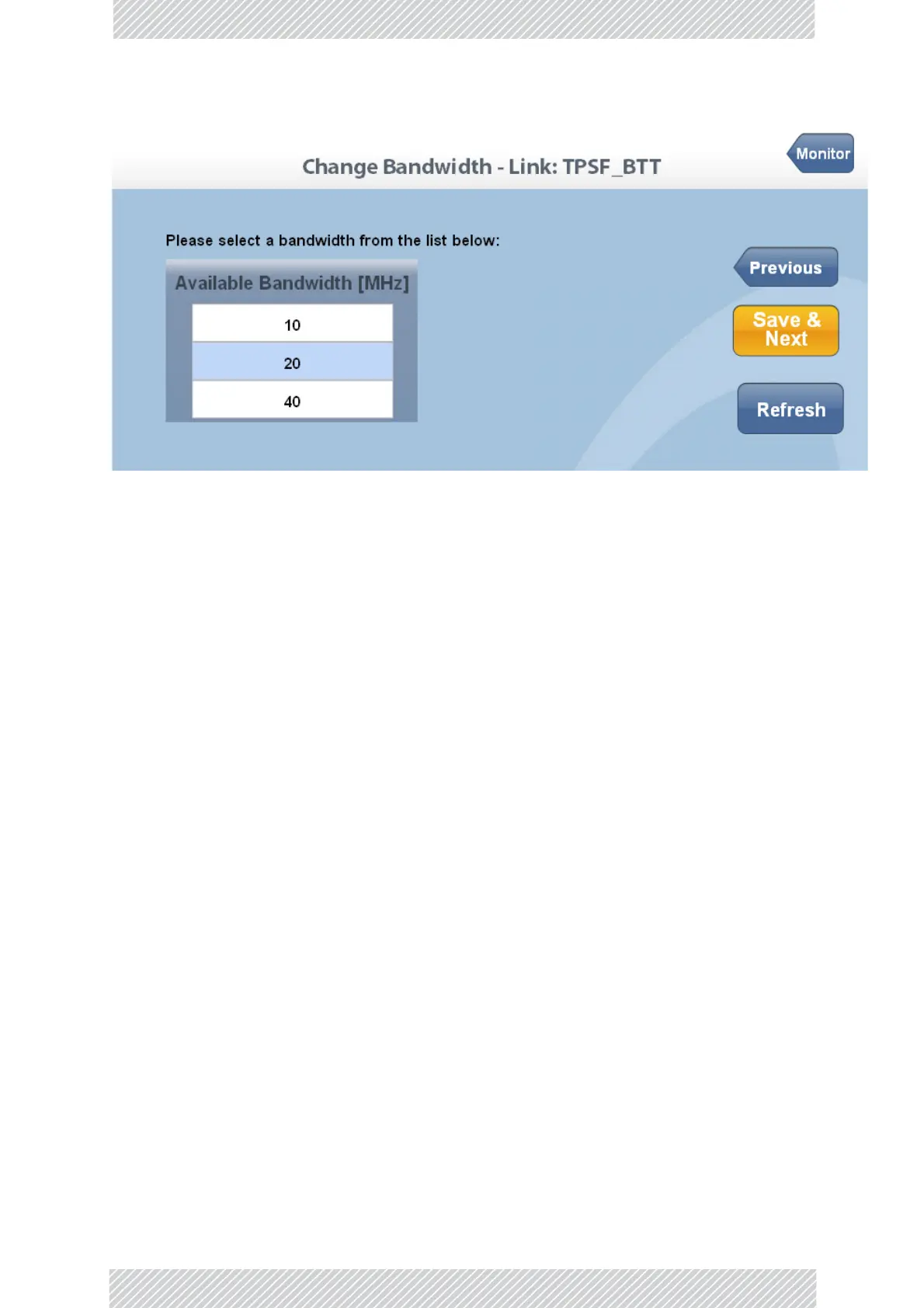
Figure29‐1:Webinterface‐AtypicalWizardwindow
SupposethattheWizardwindowillustratedinFigure29‐1isyourcurrentwindow.Then‐
• ItyouuseSave&Next,itfirstcommitsthedataonthecurrentwindowbeforemoving
tothenextone.
• IfyoureturntothepreviouswindowwiththePreviousbutton,itdoesnotcommitthe
currentwindow
• IfyouexittheWizardusingtheMonitorbutton,thecurrentwindowisnotcommitted,
butpriorcommitsarenotundone.
MajorimplicationsofthesedifferenceswillbepointedinCautionmessagesbelow.
OperationalEffects
SeveralWIfunctionscausetemporarysync‐loss.Typically,changingthenumberofantennas
fallsintothiscategory.ThesecaseswillbepointedoutinWarningmessages.
SomeWorkingTips
Youcan:
»LogontoaODUonthedefaultIPaddressof10.0.0.120/8,settheLinkIDandIP
addressinsteadofusingtheRADWINManagerasinChapter26.Unlikethelatter
method,youneedtoresettheODUtoseethechangeintheWebInterface.
» ChangetheoperatingBandofanODUinsteadofusingtheRADWINManagerasin
Chapter23.Ifyoudo,alwayschangethebandofthephysicalover‐the‐airsitefirst,so
thatyoudonotlockyourselfoutofthelink.
» Install/configurealinktoworkwithEthernetonly.
»LookatRecentEventsforeithersite
»DropbacktoInstallationmodewithoutlosinginstalledTDMservices
Youcannot:
» ChangedefaultTxpower


 To Next Page