viii
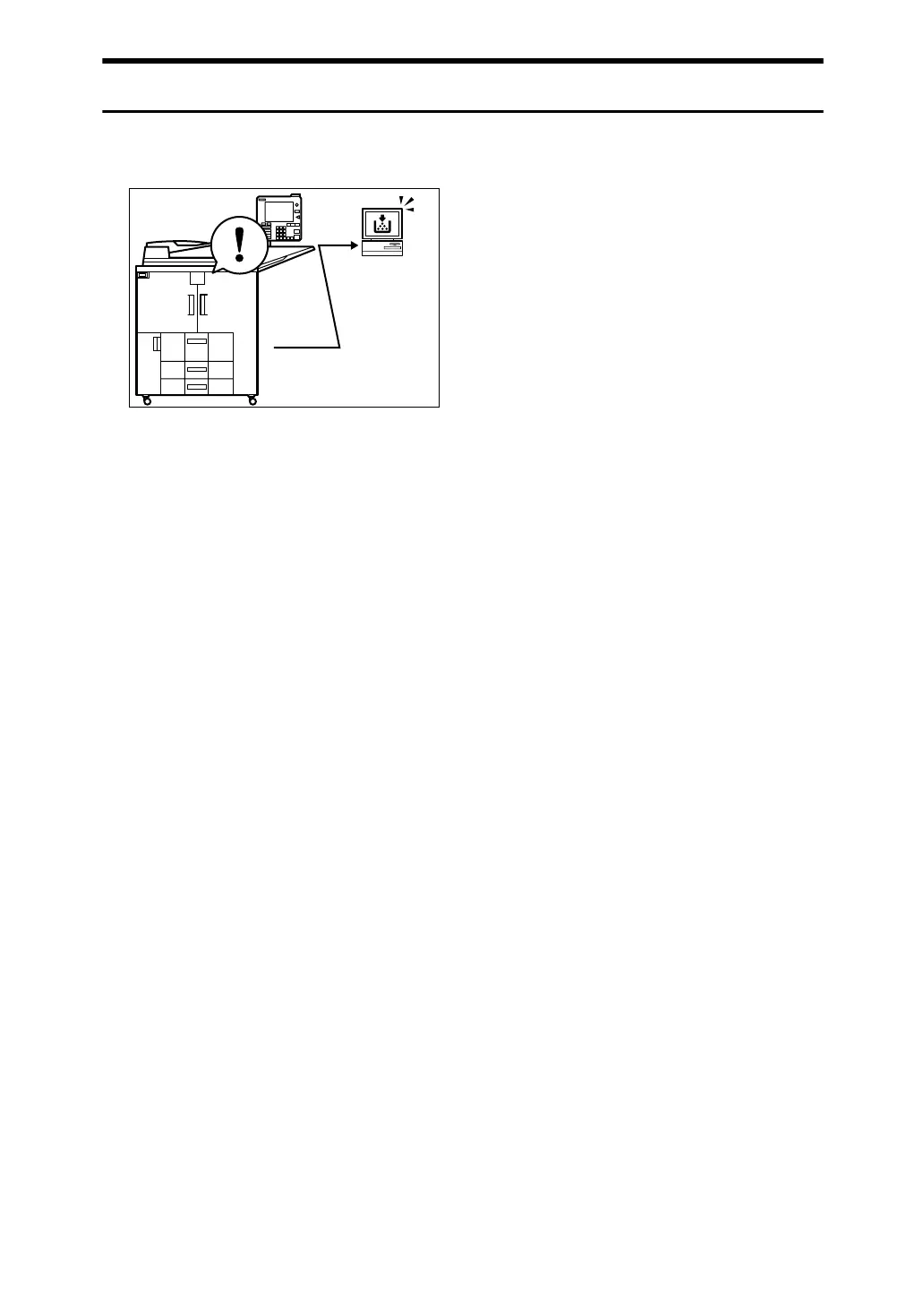
Monitoring the Machine Via Computer
You can monitor machine status and change settings using a computer.
• Using SmartDeviceMonitor for Admin, SmartDeviceMonitor for Client, or a
Web browser, you can use a computer to view the machine's status, such as
checking on paper quantities, or misfeeds. See General Settings Guide.
• You can use a Web browser to make network settings. See General Settings
Guide.
• You can also use a Web browser to register and manage items such as user
codes, e-mail addresses, and folders in the Address Book.
See the Web Image Monitor's Help.
APF017S



 To Next Page