User Settings
199
8
Scanner Features
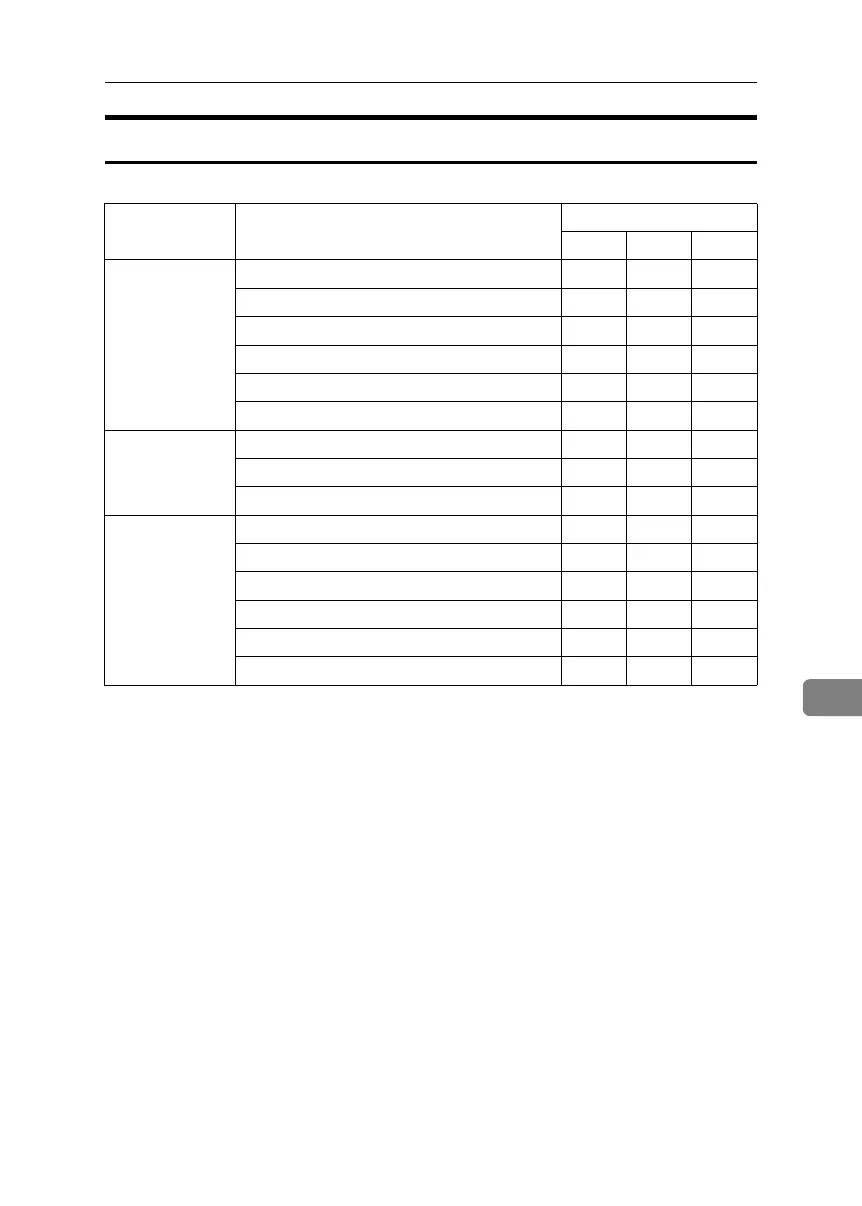
The default for [Menu Protect] is [Level 2].
Tab Names Settings Menu Protect
Off Level 1 Level 2
Switch Title ❍❍U
Twain Standby Time ❍❍U
Destination List Display Priority 1 ❍❍U
Destination List Display Priority 2 ❍❍U
Print & Delete Scanner Journal ❍❍U
Delete Scanner Journal ❍❍U
Scan Settings A.C.S Sensitivity Level ❍❍U
Wait Time for Next Orig.: Exposure Glass ❍❍U
Wait Time for Next Originals SADF ❍❍U
Send Settings Compression (Black & White) ❍❍U
Compression (Gray Scale) ❍❍U
High Compression PDF Level ❍❍U
E-mail Information Language ❍❍U
Note of Digit for Single Page Files ❍❍U
Stored File E-mail Method ❍❍U
BelliniC3-EN_Sec_F_FM_forPaper.book Page 199 Friday, December 16, 2005 9:16 AM



 To Next Page