Preventing Information Leaks
84
3
Unlocking Locked Print Files
If you specify “Enhance File Protection”, the file will be locked and become in-
accessible if an invalid password is entered ten times. This section explains how
to unlock files.
Only the file administrator can unlock files.
This can also be specified via Web Image Monitor.
For details see the Web Image Monitor Help.
For details about “Enhance File Protection”, see p.149 “Changing the Extended
Security Functions”.
A Press the {Printer} key.
B Press [Print Jobs].
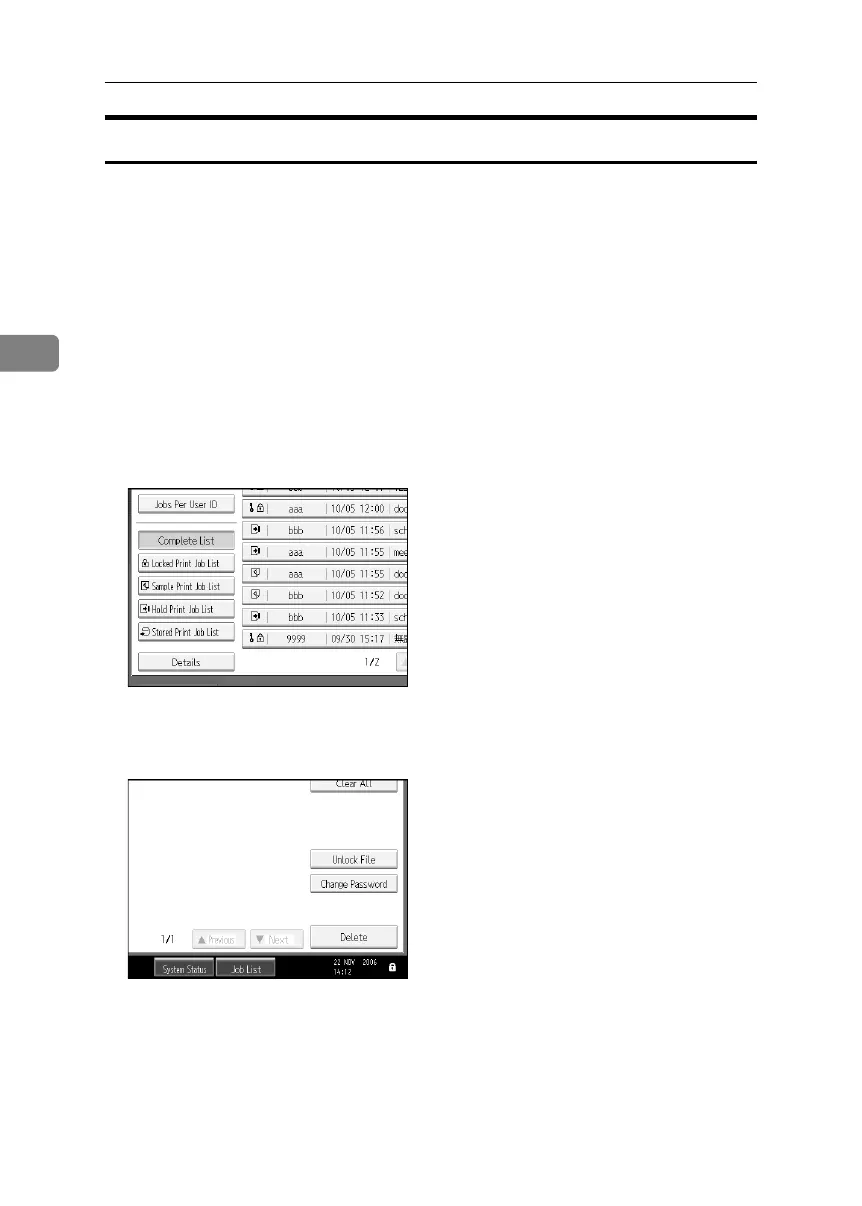
C Press [Locked Print Job List].
D Select the file.
E Press [Unlock File].
F Press [Yes].
BelliniC3-EN_Sec_F_FM_forPaper.book Page 84 Friday, December 16, 2005 9:16 AM



 To Next Page