When a Message Appears
41
3
Checking the Error Log
If files could not be stored due to printing errors, identify the cause of the errors
by checking the error log on the control panel.
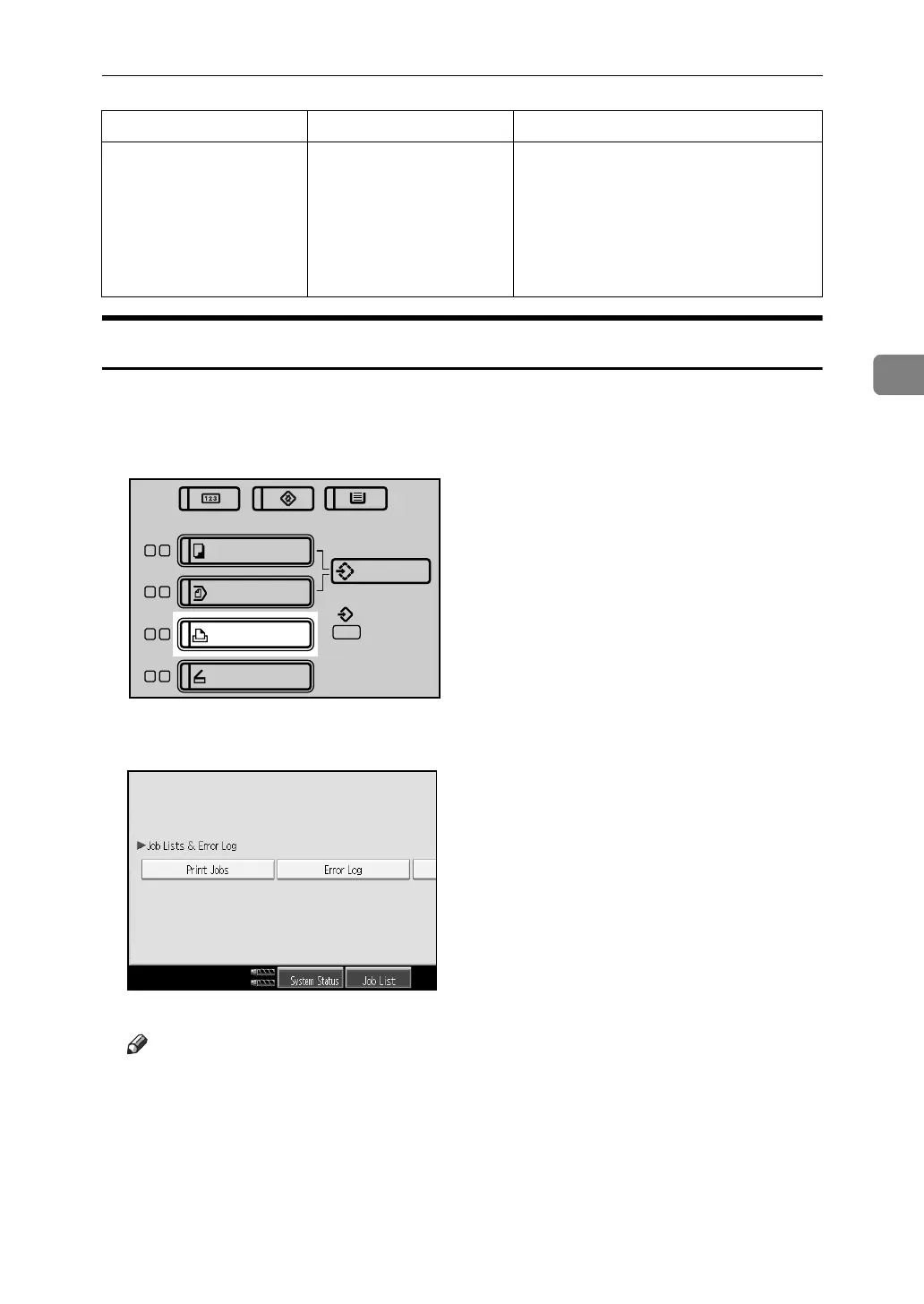
A Press the {Printer} key to display the printer screen.
B Press [Error Log].
An error log list appears.
Note
❒ The most recent 50 errors are stored in the error log. If a new error is added
when there are 50 errors already stored, the oldest error is deleted. How-
ever, if the earliest error is a Sample Print, Locked Print, Hold Print, or
Stored print error, it is not deleted. The error is stored separately until the
number of errors reaches 30.
❒ If the main power switch is turned off, the log is deleted.
Memory Overflow
Maximum capacity of
PCL 5e/6 or PostScript
3 list display has been
exceeded.
Reduce the value of [Resolution] in the
printer driver. Alternatively, select
[Frame Priority] from [Memory Usage] in
[System]. If this message continues to
appear after taking these steps, de-
crease the number of files sent to the
machine.
Message Cause Solution
ANR101S



 To Next Page