Registering Folders
207
7
Using FTP to Connect
Note
❒ To register a shared folder configured in Windows, see “Using SMB to Connect”.
❒ To register a folder in an NetWare server, see “Using NCP to Connect”.
Reference
p.200 “Using SMB to Connect”
p.212 “Using NCP to Connect”
Registering a Folder
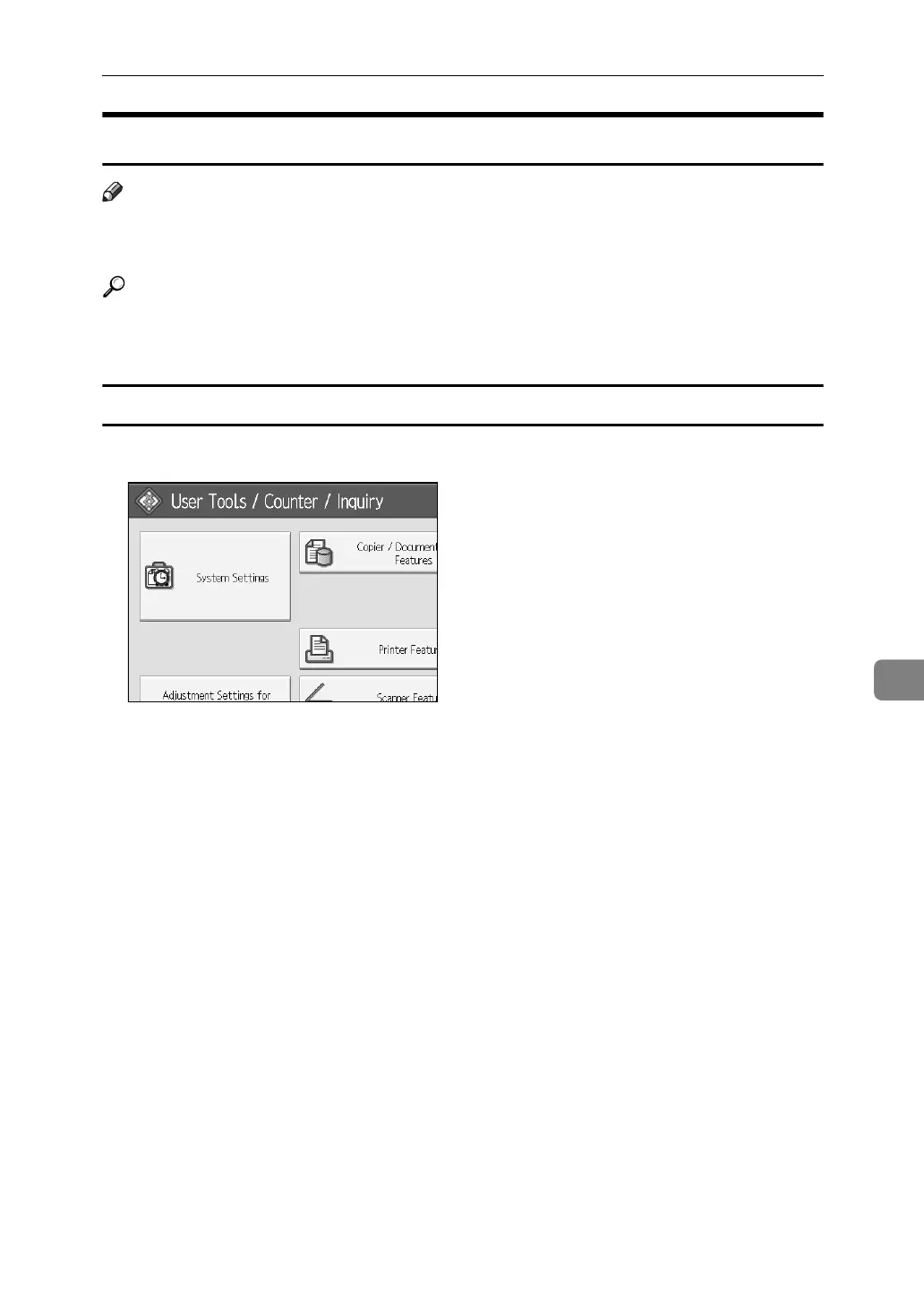
A Press [System Settings].
B Press [Administrator Tools].
C Press [Address Book Management].
D Check that [Program/Change] is selected.
E Select the name whose folder you want to register.
You can search by the registered name, user code, folder name, or e-mail address.
F Press [Auth. Info], and then press [Next].
G Press [Specify Other Auth. Info] on the right side of Folder Authentication.
H Press [Change] under Login User Name.
I Enter the login user name, and then press [OK].
J Press [Change] under Login Password.
K Enter the password, and then press [OK].
L Enter the password again to confirm, and then press [OK].
M Press [Folder].



 To Next Page