Connecting the Machine
8
1
Connecting to the Ethernet Interface
Connect 10BASE-T or 100BASE-TX cable to the Ethernet interface.
Important
❒ If the main power switch is turned "On", turn it "Off".
A Make sure the main power switch on the machine is "Off".
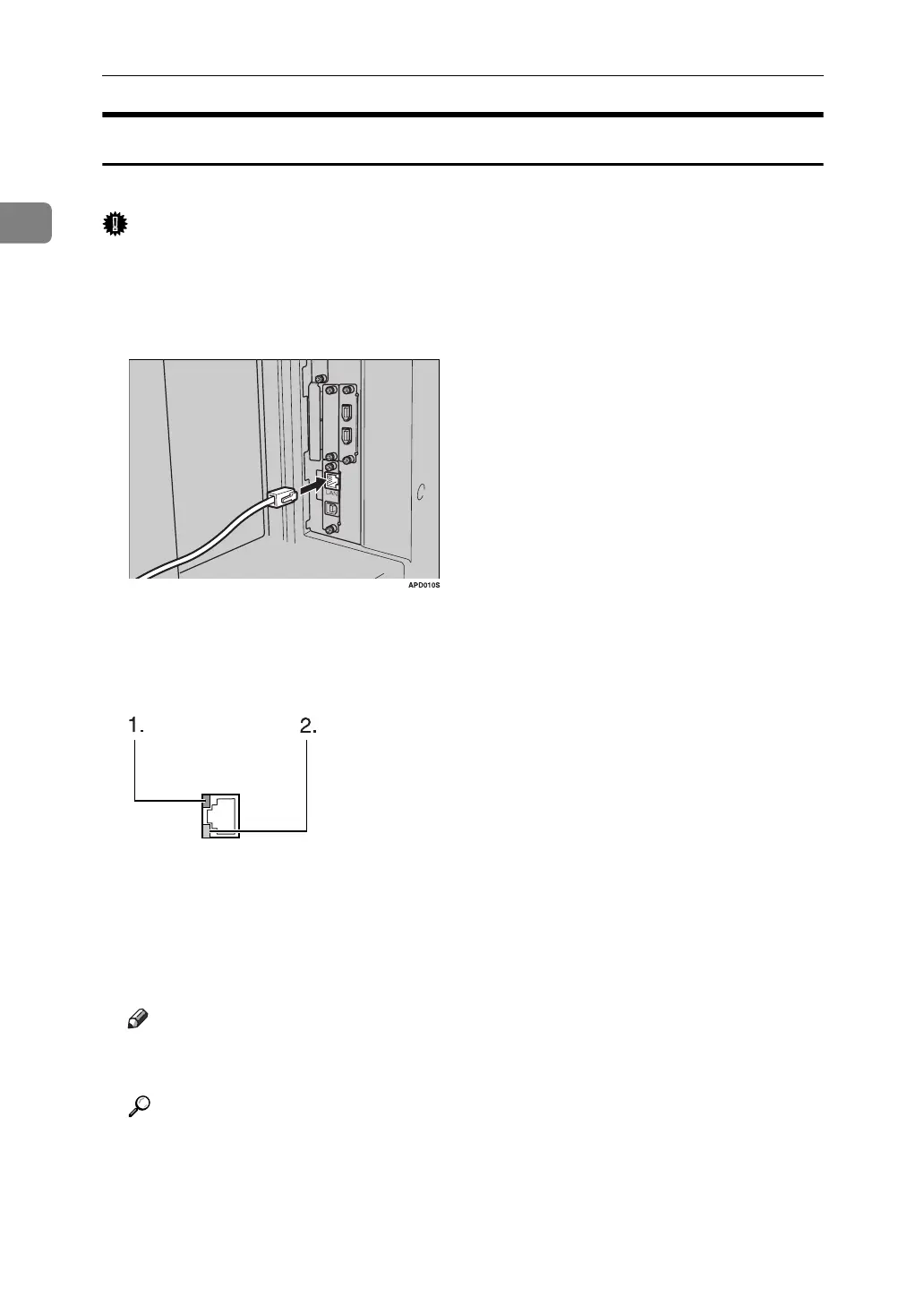
B Connect the Ethernet interface cable to the 10BASE-T/100BASE-TX port.
C Connect the other end of the Ethernet cable to a network connection device
such as a hub.
D Turn the main power switch of the machine on.
A Indicator (green)
Remains green when the machine is properly connected to the network.
B Indicator (yellow)
Turns yellow when 100 BASE-TX is operating. Turns off when 10 BASE-T
is operating.
Note
❒ For details about installing the printer driver, see "Preparing the Machine"
Printer Reference
Reference
"Turning On the Power" About This Machine
"Preparing the Machine" Printer Reference
AME005S



 To Next Page