Basic Procedure
31
2
F Press the {Interrupt} key again.
The interrupt key indicator goes off.
G Replace the originals that you were copying, and then press the {Start} key.
Following message “
Reset x original(s).”, replace the originals that you
were copying.
Note
❒ The previous copy job settings are restored. Simply press the {Start} key to
continue copying from where it left off.
Left Original Beeper
The beeper sounds and an error message is displayed when you leave your orig-
inals on the exposure glass after copying.
Note
❒ For details, see “Copier/Document Server Features”, General Settings Guide.
Reference
“Copier/Document Server Features”, General Settings Guide
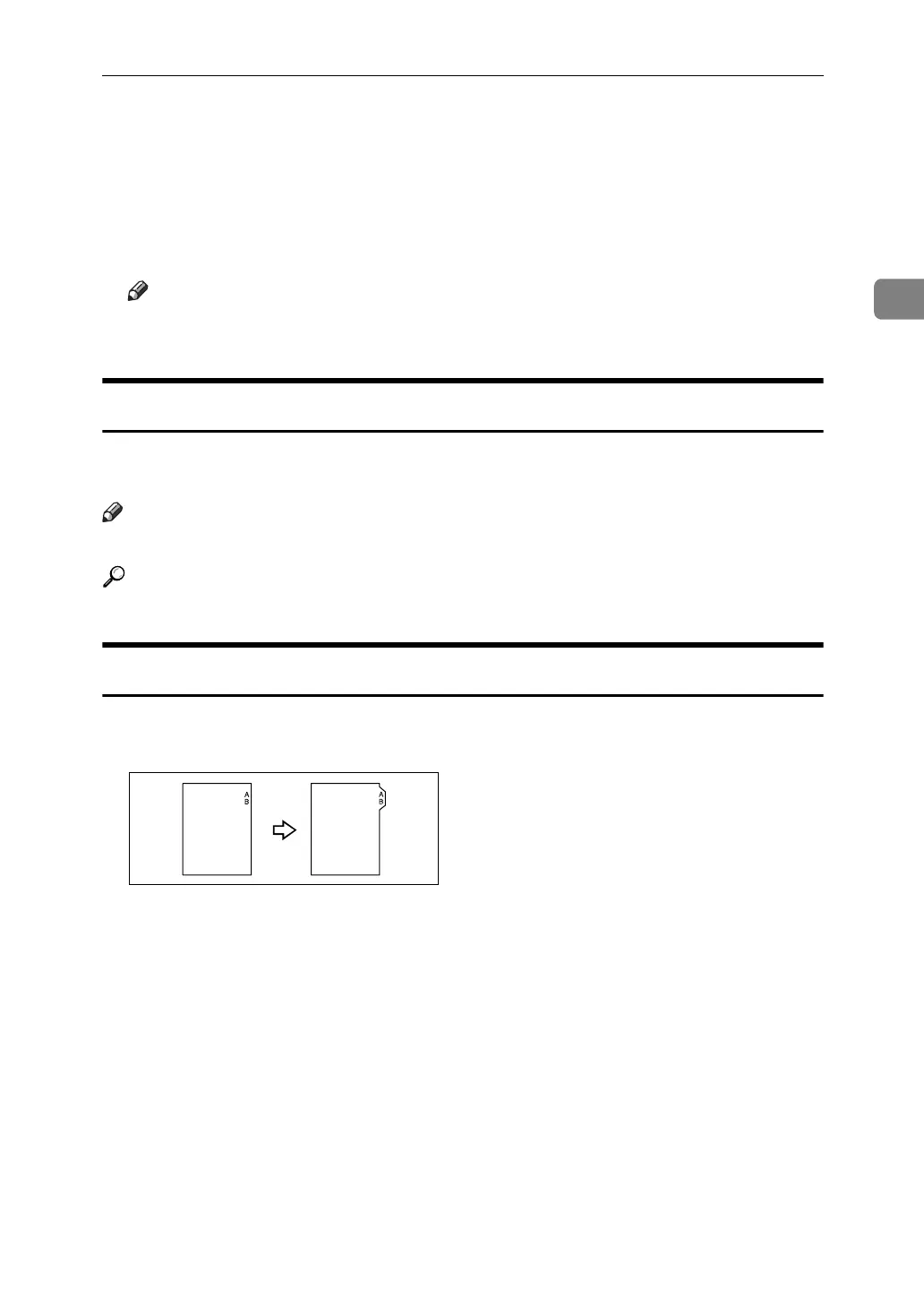
Copying onto Tab Stock
You can copy onto tab stock.
GCINDX0E



 To Next Page