Copying
32
2
Important
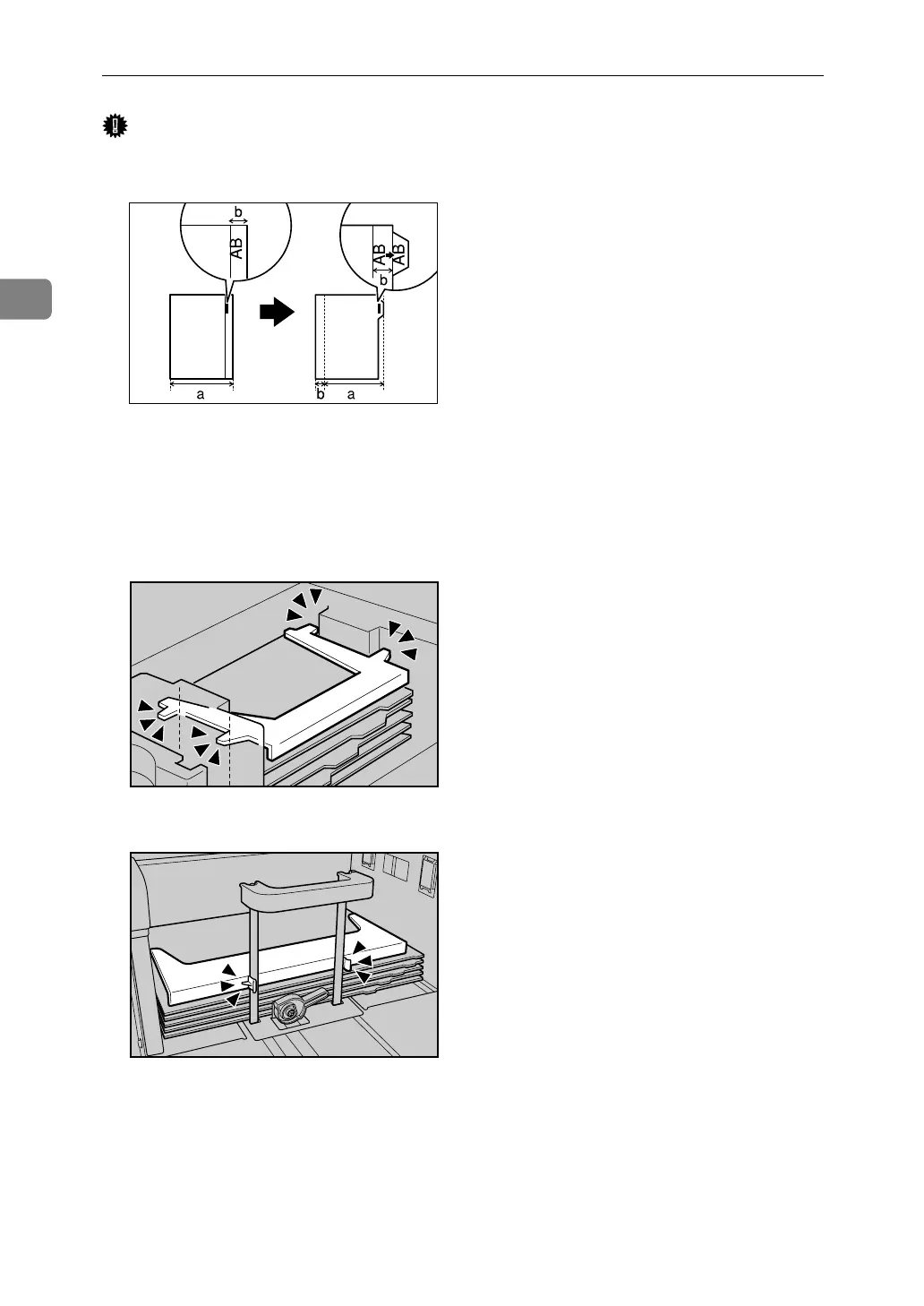
❒ Before using this function, set the tray for tab stock and set the position of the
index tab. See “Items of Tray Paper Settings”, General Settings Guide.
❒ You can set the tab stock in the Large Capacity Tray (trays 4-5), Wide Large
Capacity Tray (trays 4-6) and multi bypass tray (tray 7).
❒ Set the tab stock in the tray placing the tab side outwards.
❒ When setting tab stock, always use the tab sheet fence.
• Large Capacity Tray (LCT)
• Wide Large Capacity Tray (Wide LCT)
A Select the paper tray where the tab stock is set.
B Place the originals, and then press the {Start} key.
GCINDX1E
APF081S
APF054S



 To Next Page