Using Connect Copy
159
3
Auto Reset when using Connect Copy
The machine exits Connect Copy mode automatically and returns to the initial
condition after a certain period of time has lapsed after job completion. This is
called “Auto Reset”.
Note
❒ When the Auto Reset time of the sub-machine lapses when it is processing an
Interrupt Copy job, the sub-machine will return to its original position and
the Interrupt Copy job will be cancelled.
Reference
“Timer Settings”, General Settings Guide
Auto Off
The machine automatically turns itself after a certain period of time has lapsed
after job completion. This is called “Auto Off”. In Connect Copy mode, the sub-
machine will not turn off automatically.
Reference
“Timer Settings”, General Settings Guide
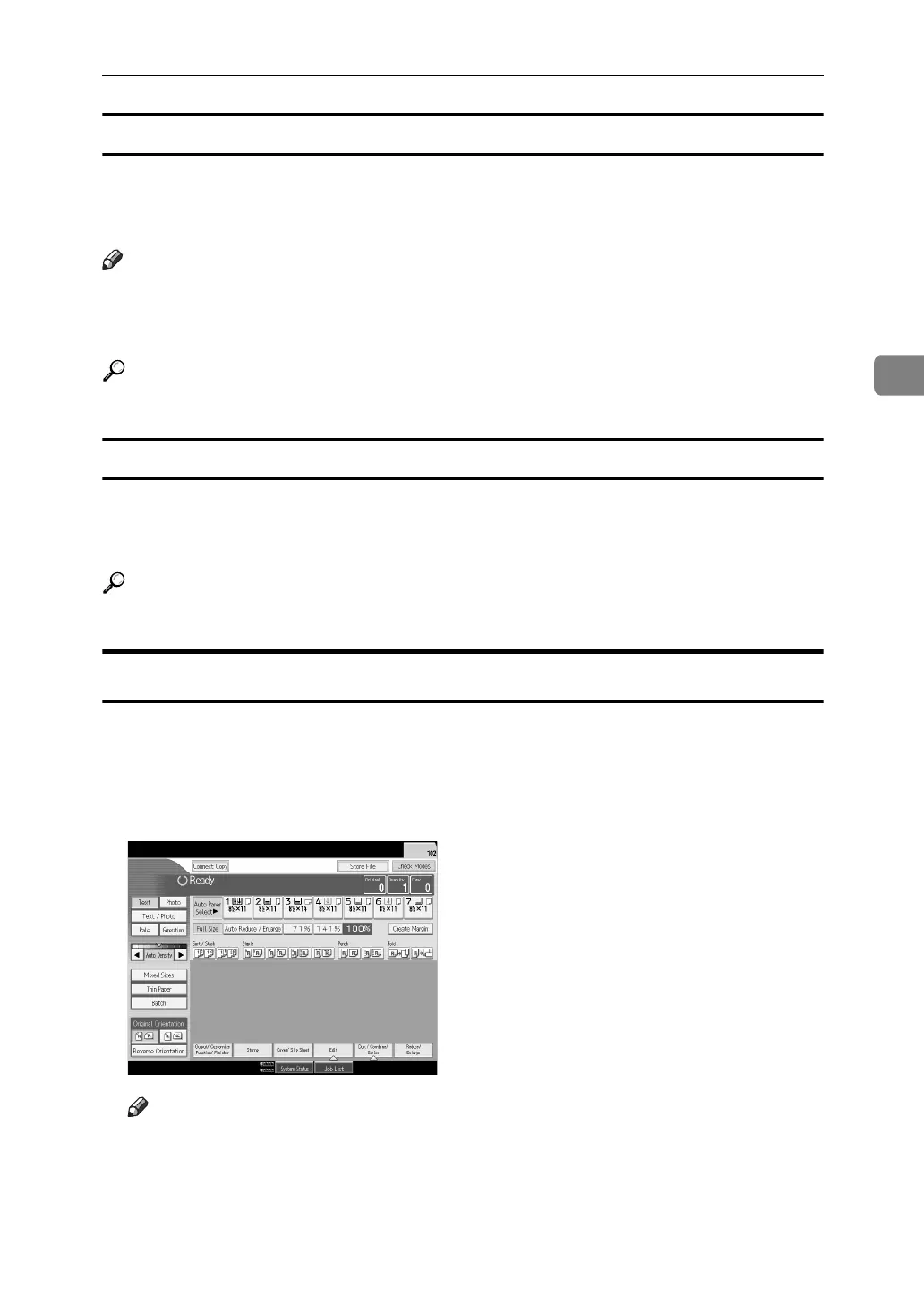
Exiting Connect Copy
This section explains how to cancel Connect Copy mode and return to standard
copying mode.
A Press [Connect Copy] on the main machine.
The machine returns to standard copying mode.
Note
❒ Settings made on the main machine during Connect Copy mode remain effective.
❒ If you press the {Clear Modes} key on the main machine, Connect Copy
mode is cancelled and the main machine returns to its initial condition.



 To Next Page