Connecting the Machine
22
1
Settings Required to Use Scan to Folder Function
This section describes necessary set items for sending file.
Ethernet
This section describes necessary set items for sending file with ethernet cable.
For details about specifying the settings, see "Interface Settings" and "File Transfer".
Note
❒ As to [Effective Protocol], check if the protocol to use is set as [Active].
❒ [LAN Type] is displayed when optional wireless LAN interface board is in-
stalled. If both ethernet and wireless LAN (IEEE 802.11b) are connected, the
selected interface takes precedence.
Reference
p.52 “Interface Settings”
p.62 “File Transfer”
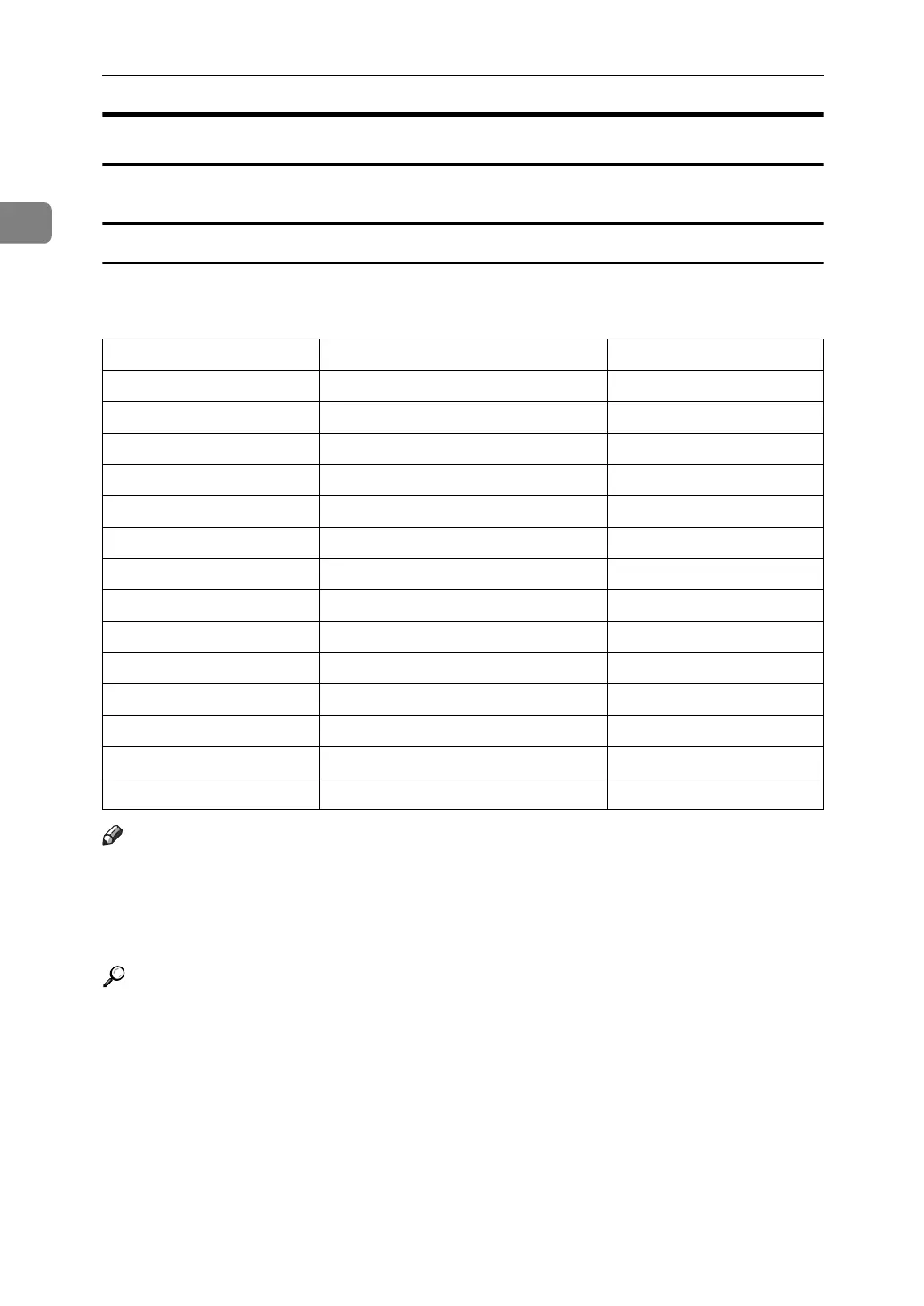
Heading Setting Item Setting Requirements
interface settings/Network Machine IPv4 Address Mandatory
interface settings/Network IPv4 Gateway Address Mandatory
interface settings/Network DNS Configuration As required
interface settings/Network DDNS Configuration As required
interface settings/Network Domain Name As required
interface settings/Network WINS Configuration As required
interface settings/Network Effective Protocol Mandatory
interface settings/Network Ethernet Speed As required
interface settings/Network LAN Type Mandatory
interface settings/Network Permit SNMPv3 Communication As required
interface settings/Network Permit SSL/TLS Communication As required
interface settings/Network Host Name As required
File Transfer Scanner Resend Interval Time As required
File Transfer Number of Scanner Resends As required



 To Next Page