Copying
38
2
Job List
Jobs printed using Copy, Document Server, or Printer mode are temporarily
stored in the machine, and then executed in order. The Job List function allows
you to manage these jobs. For example, you can cancel incorrect job settings or
print an urgent document.
Note
❒ You cannot use the Job List function when Interrupt Copy is active.
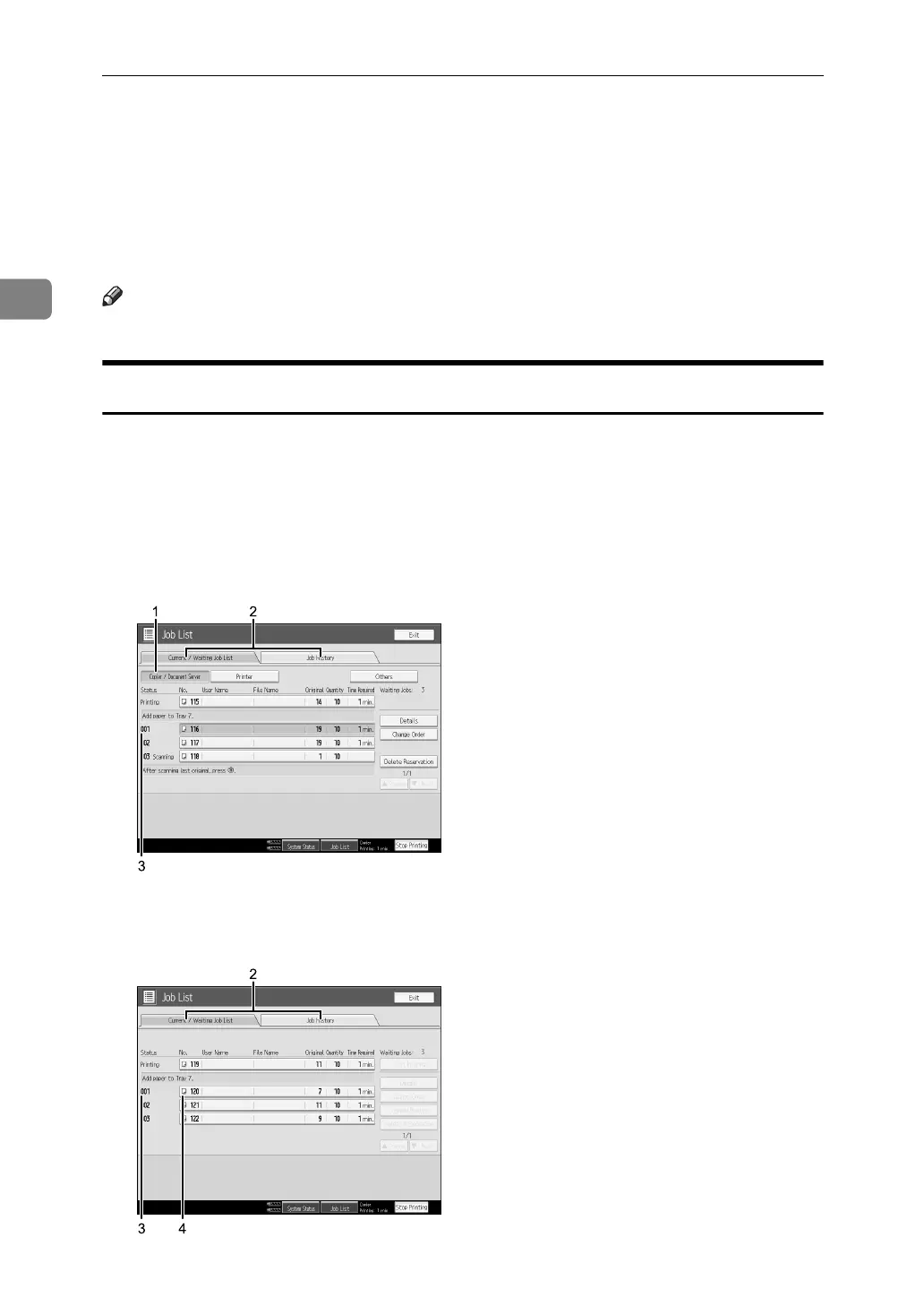
Job List screen
This section explains displays and icons that appear in the Job List screen.
The Job List screen varies depending on whether [Job Order] is selected with
Print Priority for the System Settings. For details about the setting procedure, see
“System Settings”, General Settings Guide.
❖ When [Job Order] is not selected:
The job list is displayed for each of the functions.
❖ When [Job Order] is selected:
The job list is displayed for all functions in the order of print jobs.
APG017S
APG018S



 To Next Page