Operations by the Supervisor
169
8
Changing the Supervisor
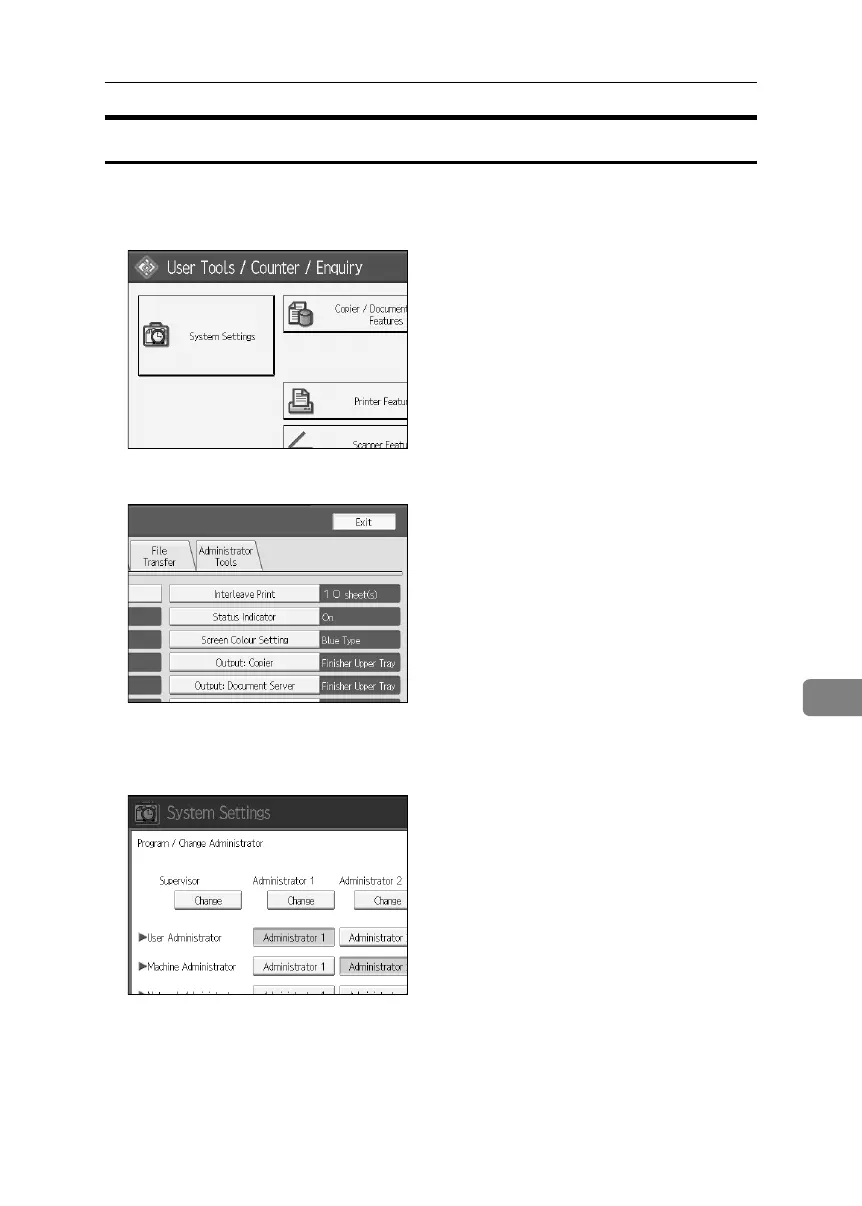
A Press the {User Tools} key.
B Press [System Settings].
C Press [Administrator Tools].
D Press [Program / Change Administrator].
E Under “Supervisor”, click [Change].
BelliniC3-EN_Sec_F_FM_forPaper.book Page 169 Friday, December 16, 2005 9:16 AM



 To Next Page