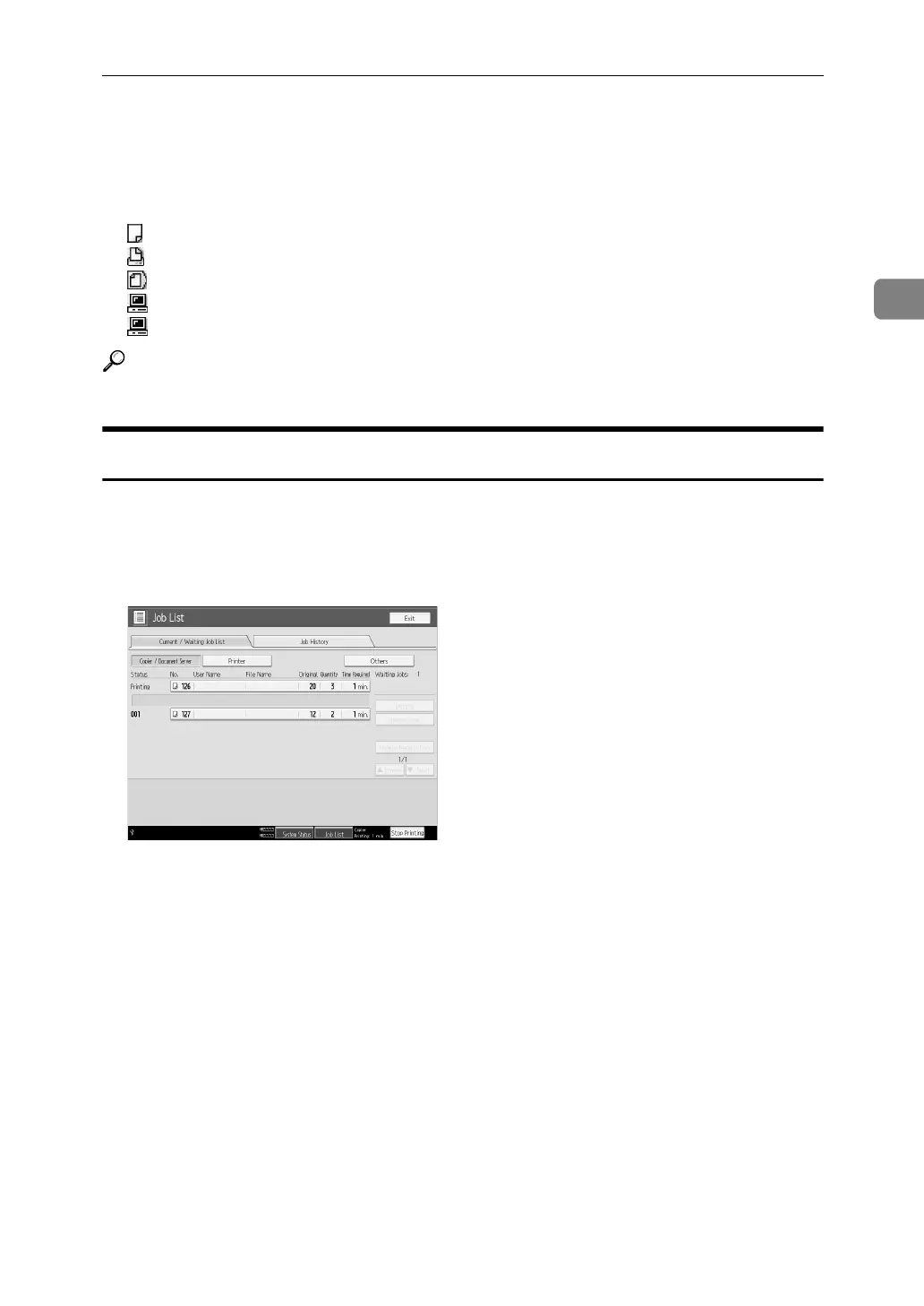
Job List
39
2
A Switches between job lists for each function.
B Switches between [Current / Waiting Job List] and [Job History].
C Displays reserved job numbers.
D Displays the function used to print jobs.
: Job printed using copy function.
: Job printed using printer function.
: Job printed using Document Server function.
: Job printed using DeskTopBinder.
: Job printed using Web Image Monitor.
Reference
“System Settings”, General Settings Guide
Checking jobs in the print queue
You can check the contents of jobs in the print queue.
A Press [Job List].
B Select the job you want to check.
C Press [Details], and then check the contents.
D Press [Exit].



 To Next Page