Copying
94
2
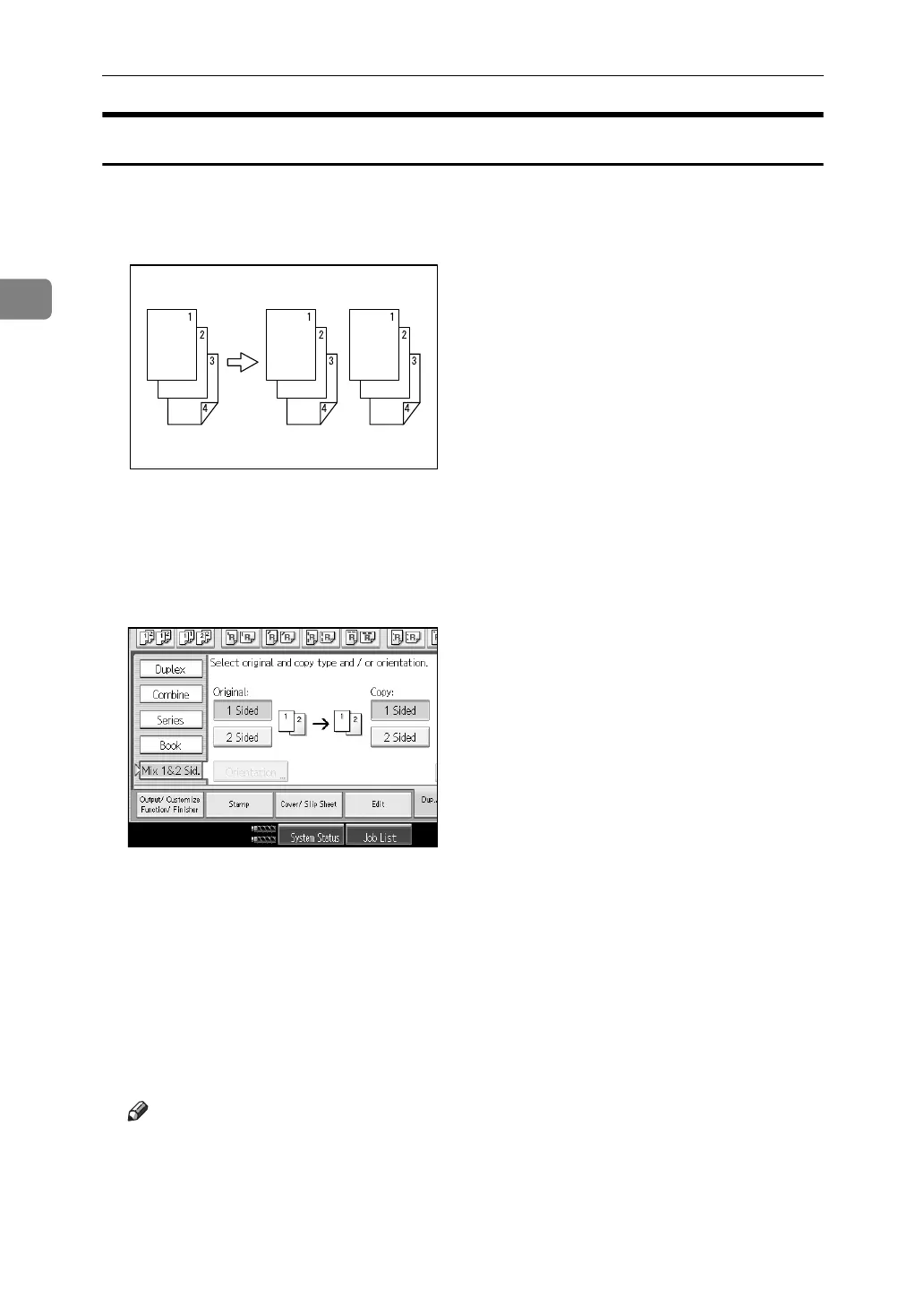
Mix 1 & 2 Sided
You can copy two types of original, one-sided and two-sided, onto one or both
sides of a sheet.
A Press [Dup./ Combine/ Series].
B Press [Mix 1&2 Sid.].
C Select [1 Sided] or [2 Sided] for the original.
If you select [2 Sided], you can select the orientation.
D Select [1 Sided] or [2 Sided] for the copy.
E Place the originals, and then press the {Start} key.
F If you have selected [1 Sided] for the original and [2 Sided] for the copy, press
[Change Setting] to you specify an odd number of originals or if you want to
change the copy page manually.
Place the next originals, and then repeat steps
C
to
E
.
Note
❒ When placing an original on the exposure glass or in the ADF using Batch,
press the {q} key after all the originals have been scanned.
GCKONZ0J



 To Next Page