Preventing Information Leaks
86
3
Assigning Users and Access Permission for Stored Files
This can be specified by the file creator (owner) or file administrator.
Specify the users and their access permissions for each stored file.
By making this setting, only users granted access permission can access stored
files.
Preparation
For details about logging on and logging off with administrator authentica-
tion, see p.24 “Logging on Using Administrator Authentication”, p.26 “Log-
ging off Using Administrator Authentication”.
Important
❒ If files become inaccessible, reset their access permission as the file creator
(owner). This can also be done by the file administrator. If you want to access
a file but do not have access permission, ask the file creator (owner).
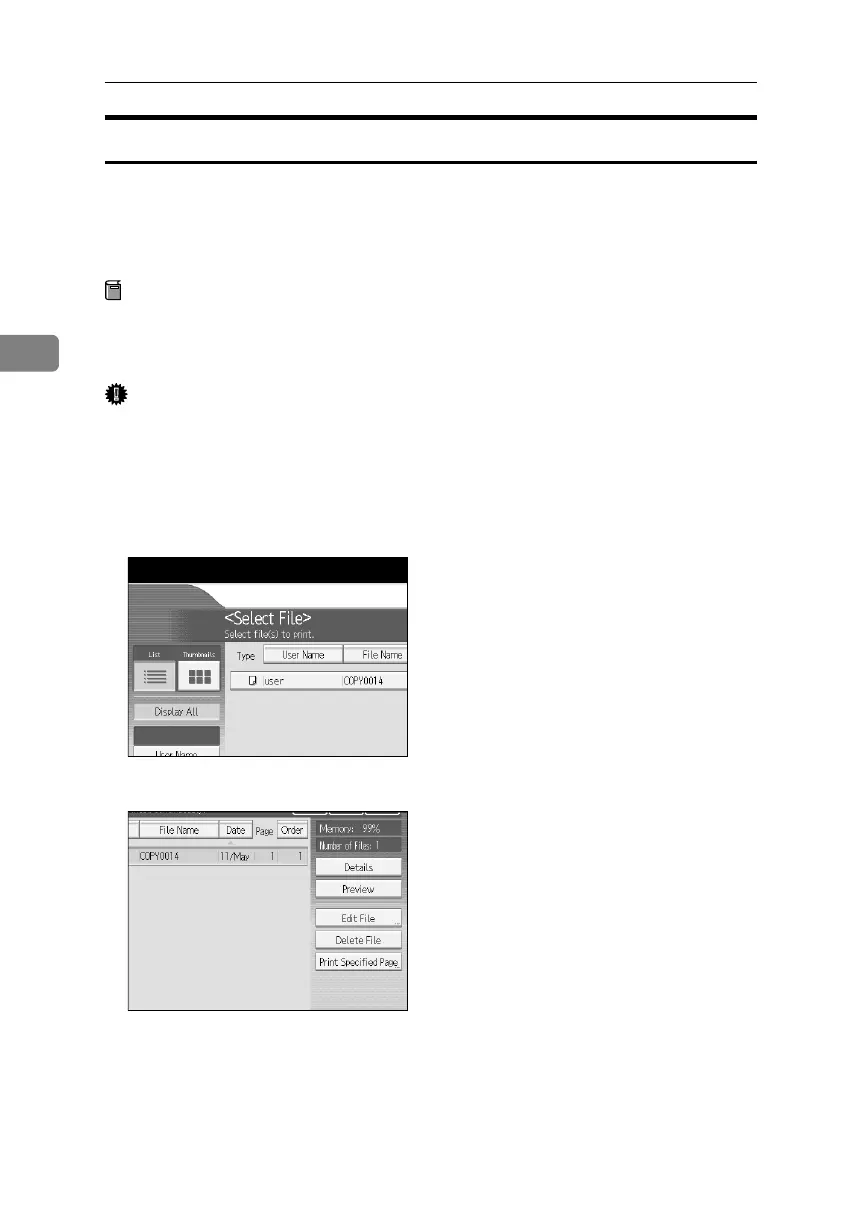
A Press the {Document Server} key.
B Select the file.
C Press [Edit File].
BelliniC3-EN_Sec_F_FM_forPaper.book Page 86 Friday, December 16, 2005 9:16 AM



 To Next Page