Copying
58
2
E Place the originals, and then press the {Start} key.
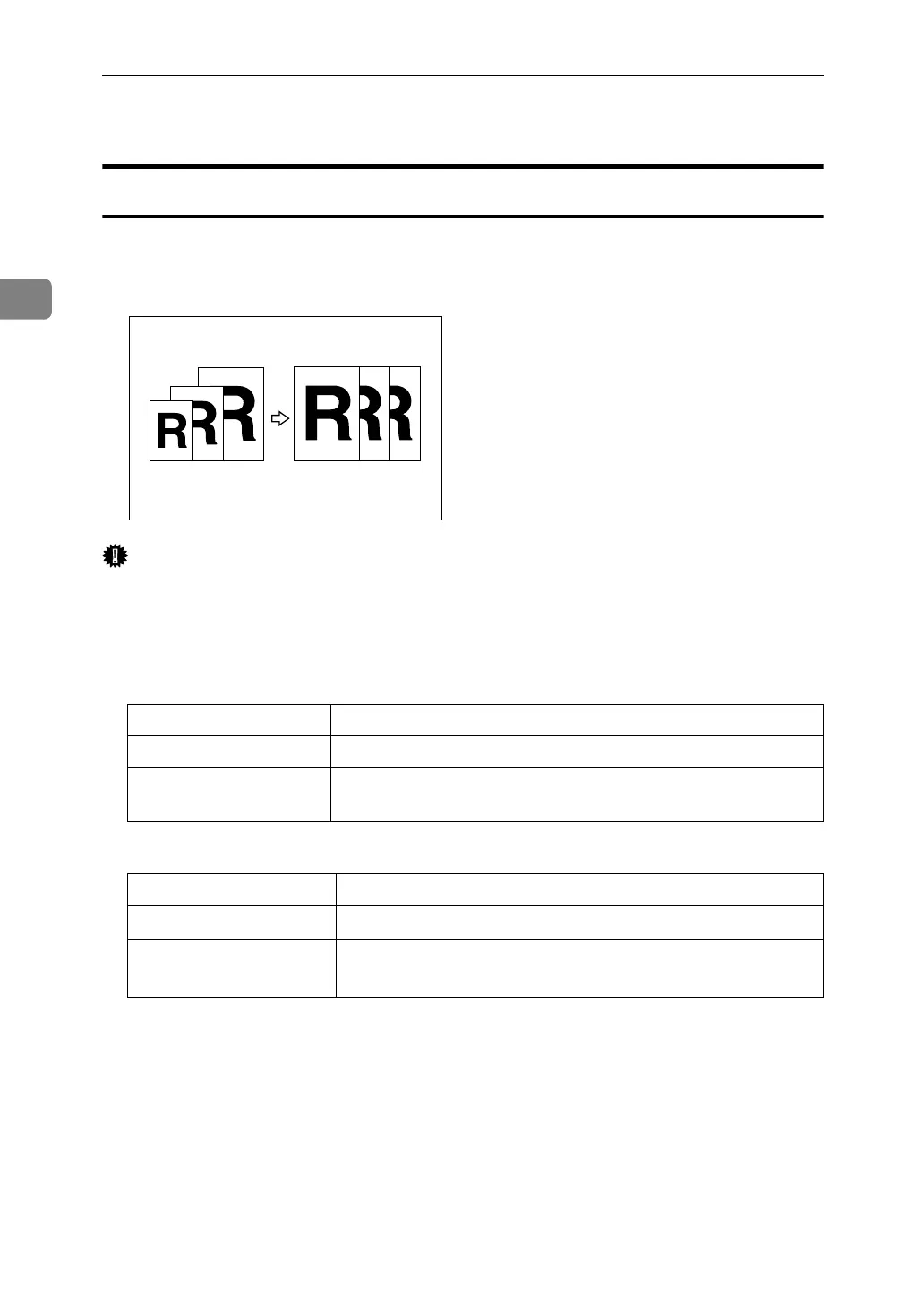
Auto Reduce/Enlarge
The machine automatically chooses an appropriate reproduction ratio based on
the paper and original sizes you select.
Important
❒ You cannot use the multi bypass tray with this function.
❒ When using Auto Reduce/Enlarge, see the following table for original sizes
and orientations you can use:
❖ Metric version
❖ Inch version
Original location Original size and orientation
Exposure glass A3L, B4 JISL, A4KL, B5 JISKL, A5K
ADF A3L, B4 JISL, A4KL, B5 JISKL, A5KL, 11 × 17L,
8
1
/
2
" × 11"KL
Original location Paper size and orientation
Exposure glass
11" × 17"L, 8
1
/
2
" × 14"L, 8
1
/
2
" × 11"KL
ADF
A3L, A4KL, 11" × 17"L, 8
1
/
2
" × 14"L, 8
1
/
2
" × 11"KL,
5
1
/
2
" × 8
1
/
2
"KL, 10" × 14"L, 7
1
/
4
" × 10
1
/
2
"L



 To Next Page