Copying
74
2
This table shows the punch hole positions, not the orientation of delivery.
Not available for vertical 2 hole left and horizontal 2 hole top for A3, 11" × 17",
or B4 JIS size paper.
A Select one of the punch hole positions.
B Place the originals, and then press the {Start} key.
Note
❒ The punch function is not available for Type 3.
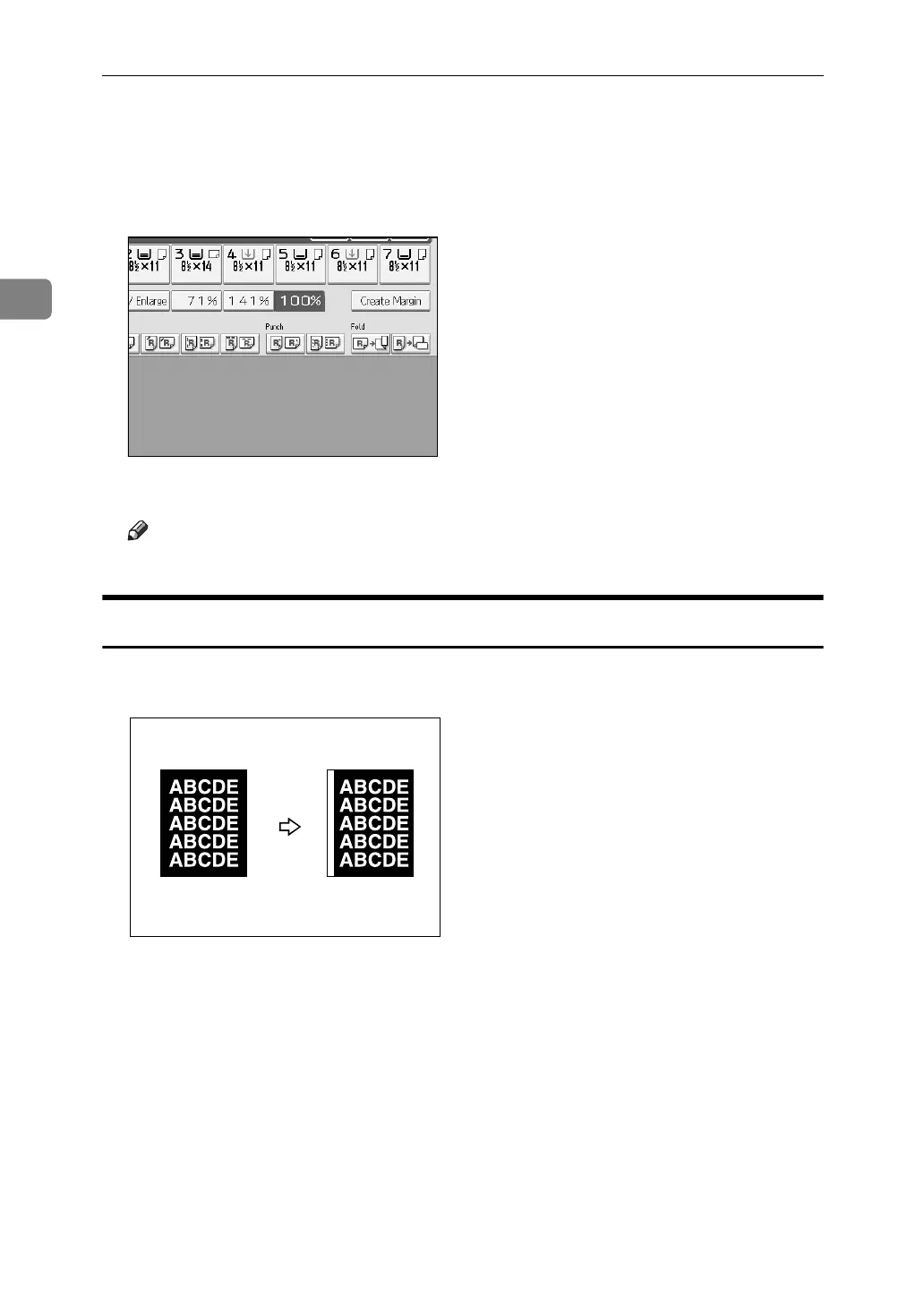
3 Edges Full Bleed
You can make full image copy by cutting down the margin of top, bottom, and
right sides. This function is useful for originals full of image.
A Press [Edit].
B Press [Edit Image].
C Press [3 Edges Full Bleed].
D Place the originals, and then press the {Start} key.
GCBLEE1E



 To Next Page