Copier Functions
53
2
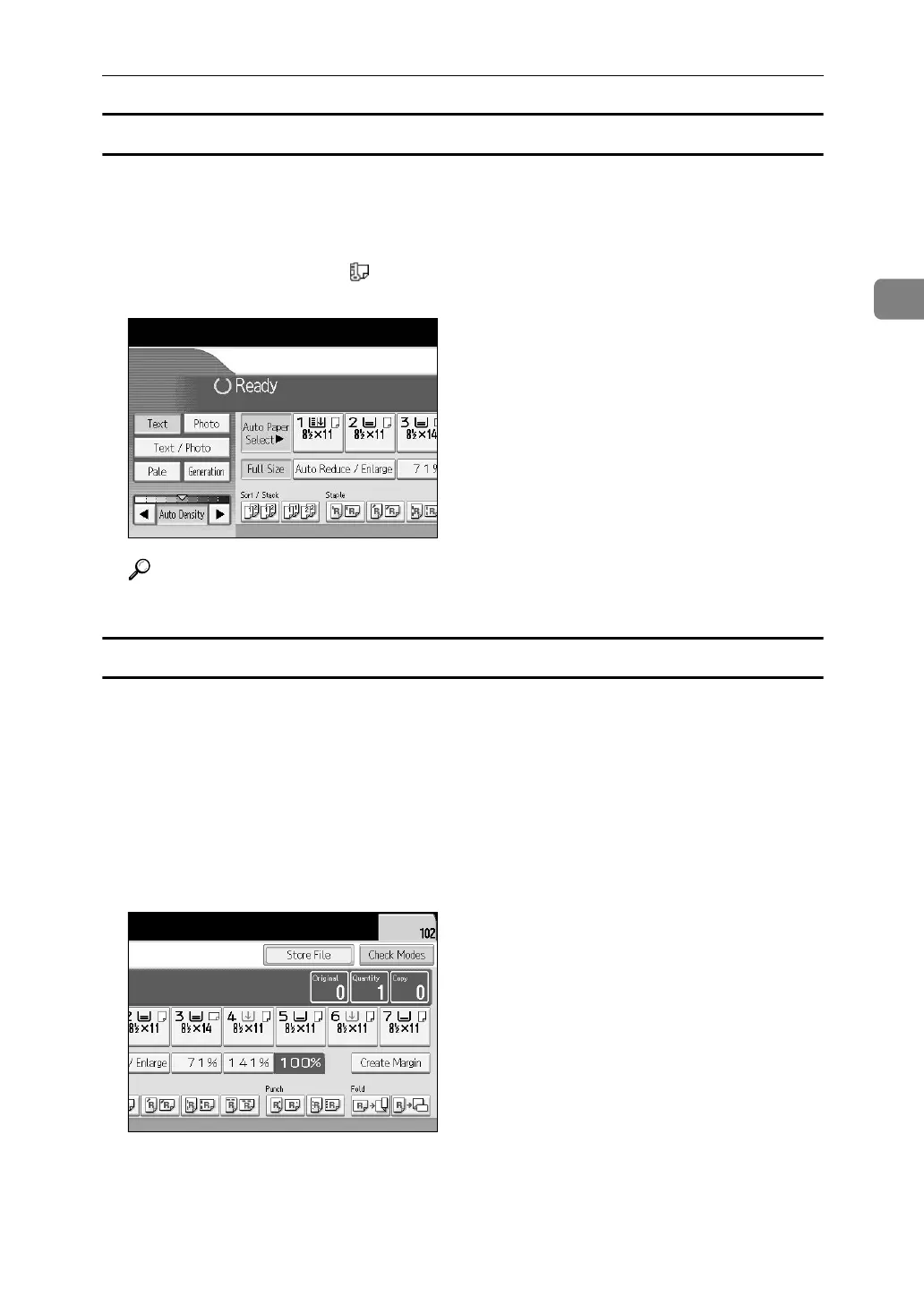
Auto Paper Select
The machine selects a suitable size of copy paper automatically based on the
original size and the reproduction ratio.
A Make sure that Auto Paper Select is selected.
Trays with a key mark ( ) will not be automatically selected. See “Items of
Tray Paper Settings”, General Settings Guide.
Reference
“Items of Tray Paper Settings”, General Settings Guide
Manual Paper Select
Choose the tray containing the paper you wish to copy onto: a paper tray, multi
bypass tray (Tray 7), Large Capacity Tray (LCT) or Wide Large Capacity Tray
(Wide LCT).
A Select the tray containing the paper you wish to copy onto: a paper tray,
multi bypass tray (Tray 7), Large Capacity Tray (LCT) or Wide Large Capac-
ity Tray (Wide LCT).
The indicator corresponding to the selected paper tray is highlighted. See
“Copying from the Multi Bypass Tray”.



 To Next Page