Getting Started
22
1
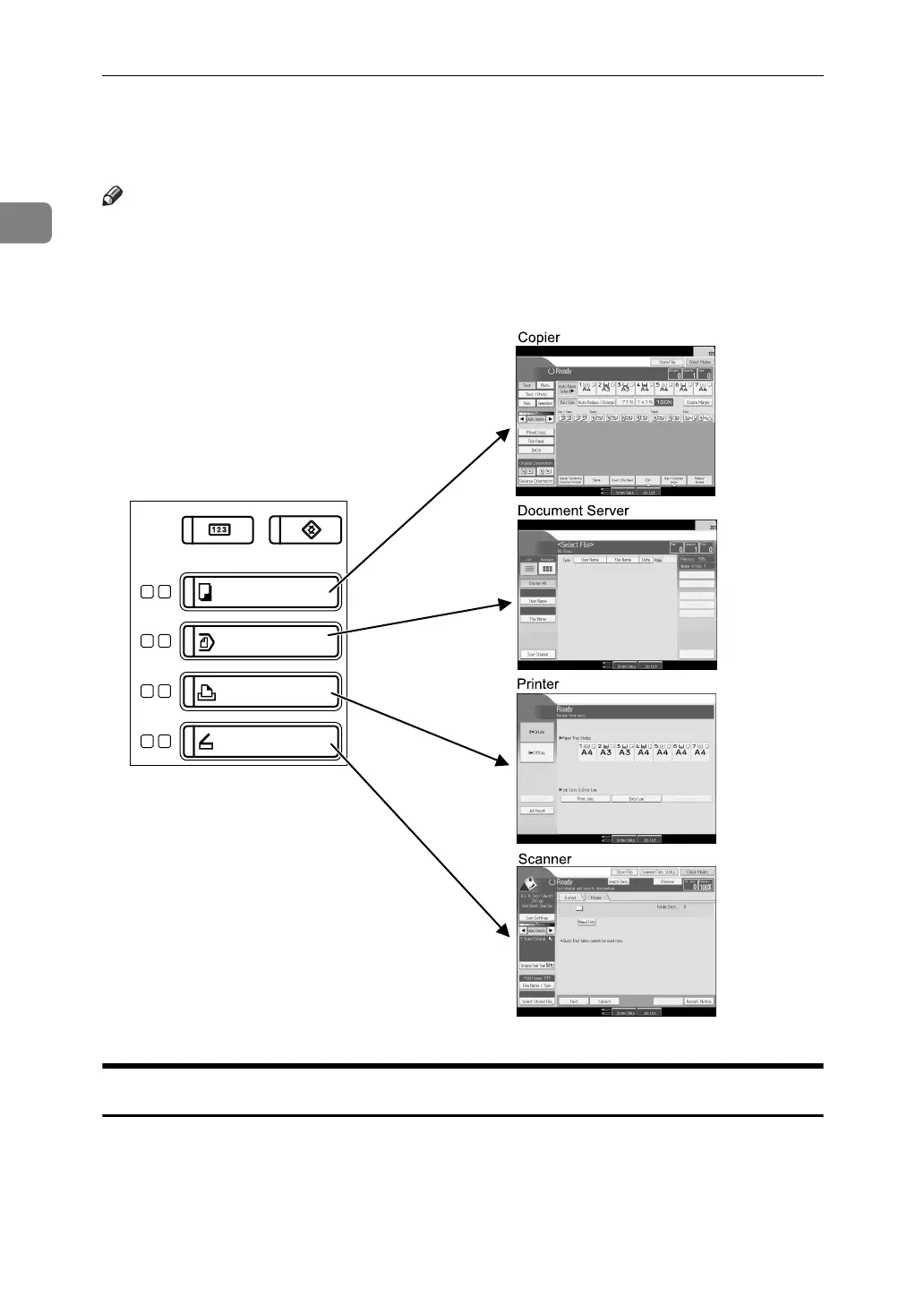
Changing Modes
Note
❒ You cannot switch modes during interrupt copying or initial setup.
❒ The copying screen is displayed as default after power on. You can change
this default setting. For the setting procedure, see “General Features”, Gener-
al Settings Guide.
System Reset
The screen specified in “Function Priority” appears automatically or interrupt
copying is cancelled, after a certain period of time has elapsed. This function is
called “System Reset”. See “General Features”, General Settings Guide. You can
change the System Reset time. See “Timer Settings”, General Settings Guide.
APG014S



 To Next Page