Registering Addresses and Users for Scanner Functions
224
7
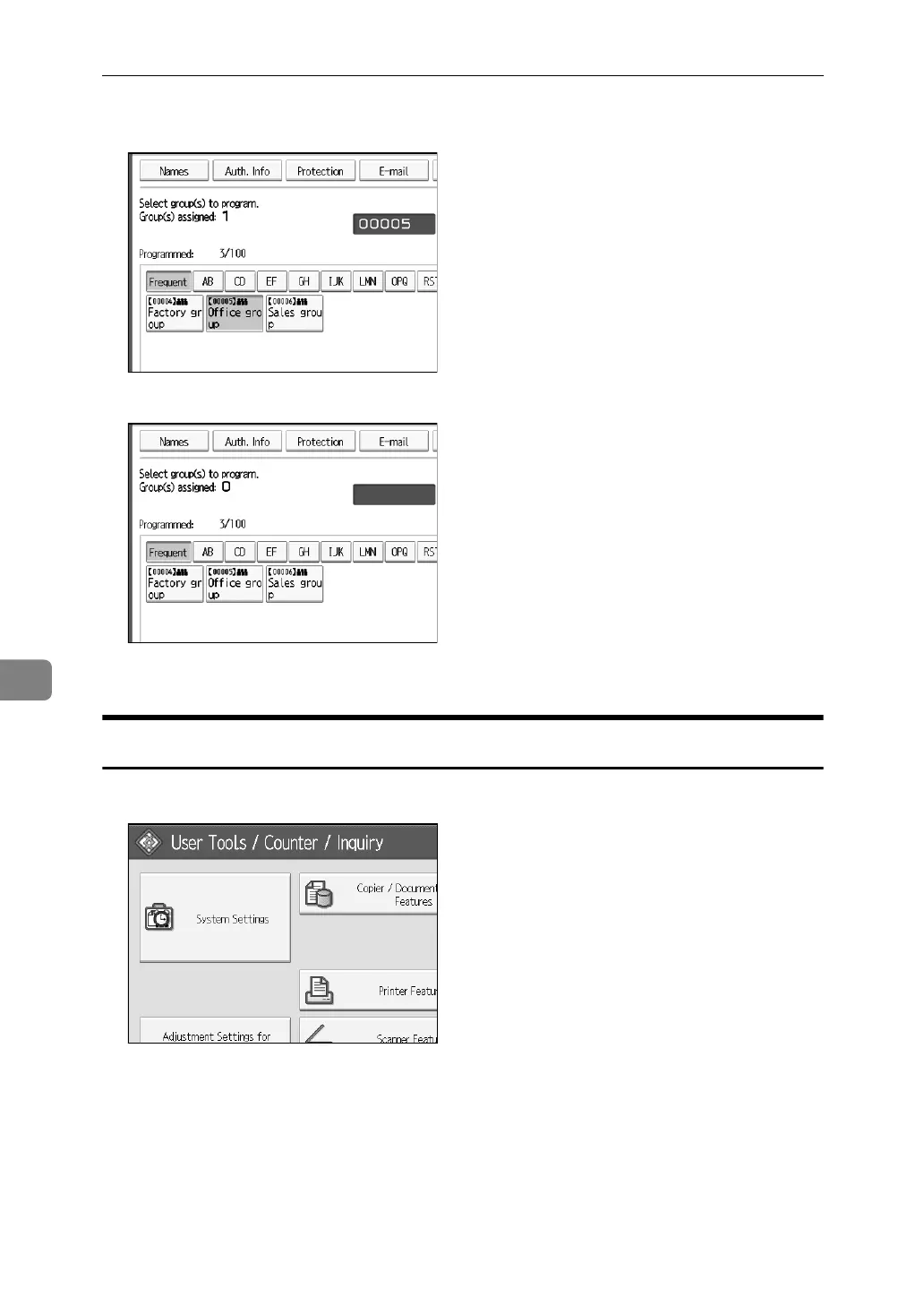
G Select the group from which you want to remove the name.
The group key is deselected, and the name is removed from the group.
H Press [OK].
Deleting a Group Within Another Group
A Press [System Settings].
B Press [Administrator Tools].
C Press [Address Book: Program / Change / Delete Group].
D Check that [Program / Change] is seleced.



 To Next Page