Getting Started
24
1
Turning On the Power
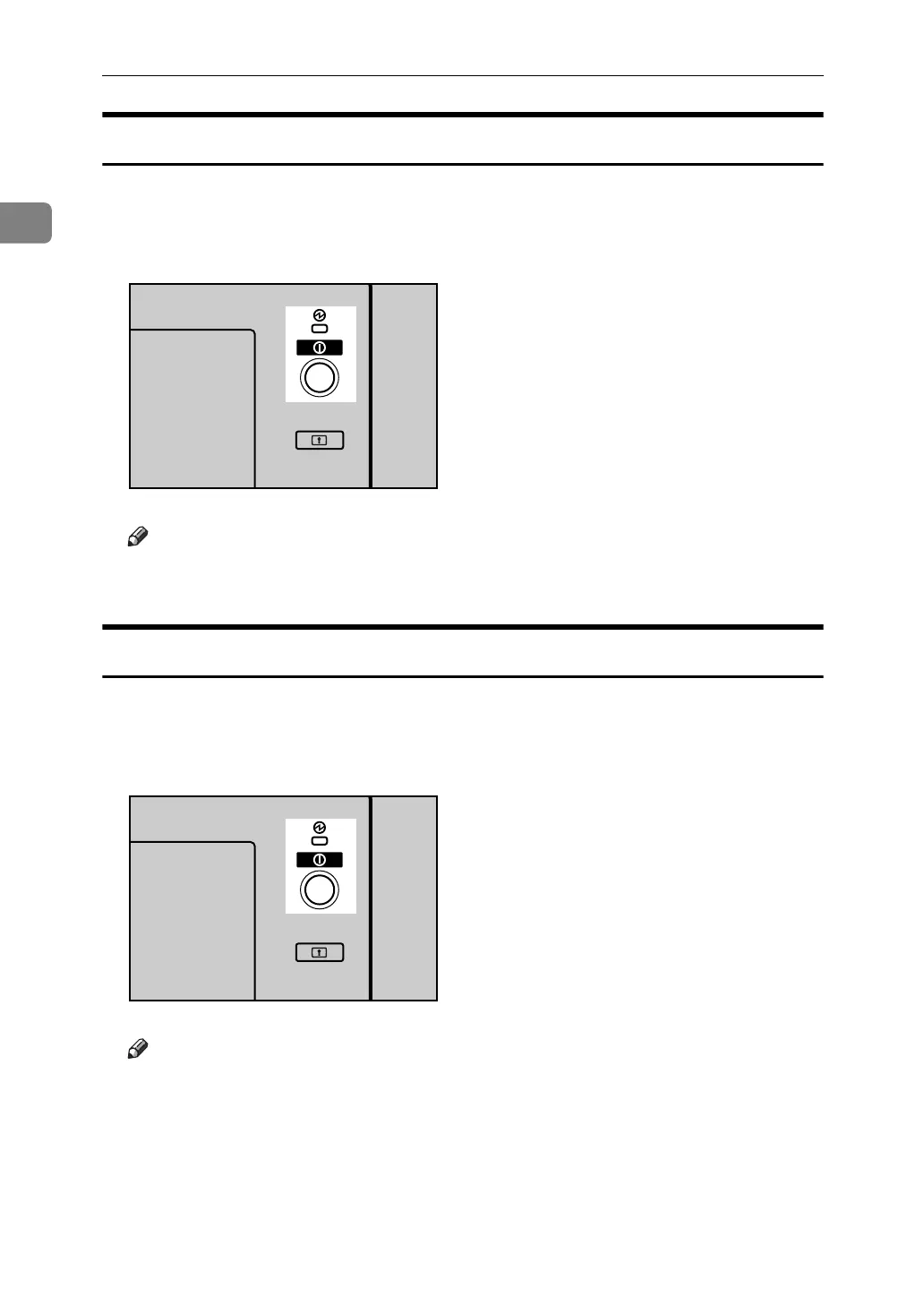
Turn on the power as follows:
A Press the Operation switch.
The On indicator lights up.
Note
❒ If the power is not turned on when the operation switch is pressed, check
if the main power switch is on. If not, turn it on.
Turning Off the Power
Turn off the power as follows:
A Press the Operation switch.
The On indicator goes off.
Note
❒ In the following cases, the indicator will not go off but will instead blink
when you press the operation switch:
• During communication with external equipment.
• When the hard disk is active.
APG015S
APG015S



 To Next Page