Copying
60
2
A Press [Reduce/ Enlarge].
B Press [Size Magnification].
C Enter the length of the original with the number keys, and then press the { q} key.
You can enter sizes within the following ranges:
• Metric version: 1 - 999 mm (increments of 1 mm)
• Inch version: 0.1" - 99.9" (increments of 0.1")
D Enter the length of the copy with the number keys, and then press the {q} key.
E Press [OK] twice.
F Place the originals, and then press the {Start} key.
Note
❒ To change the length after pressing the {q} key in
D
, select [Original] or
[Copy], and then enter the desired length.
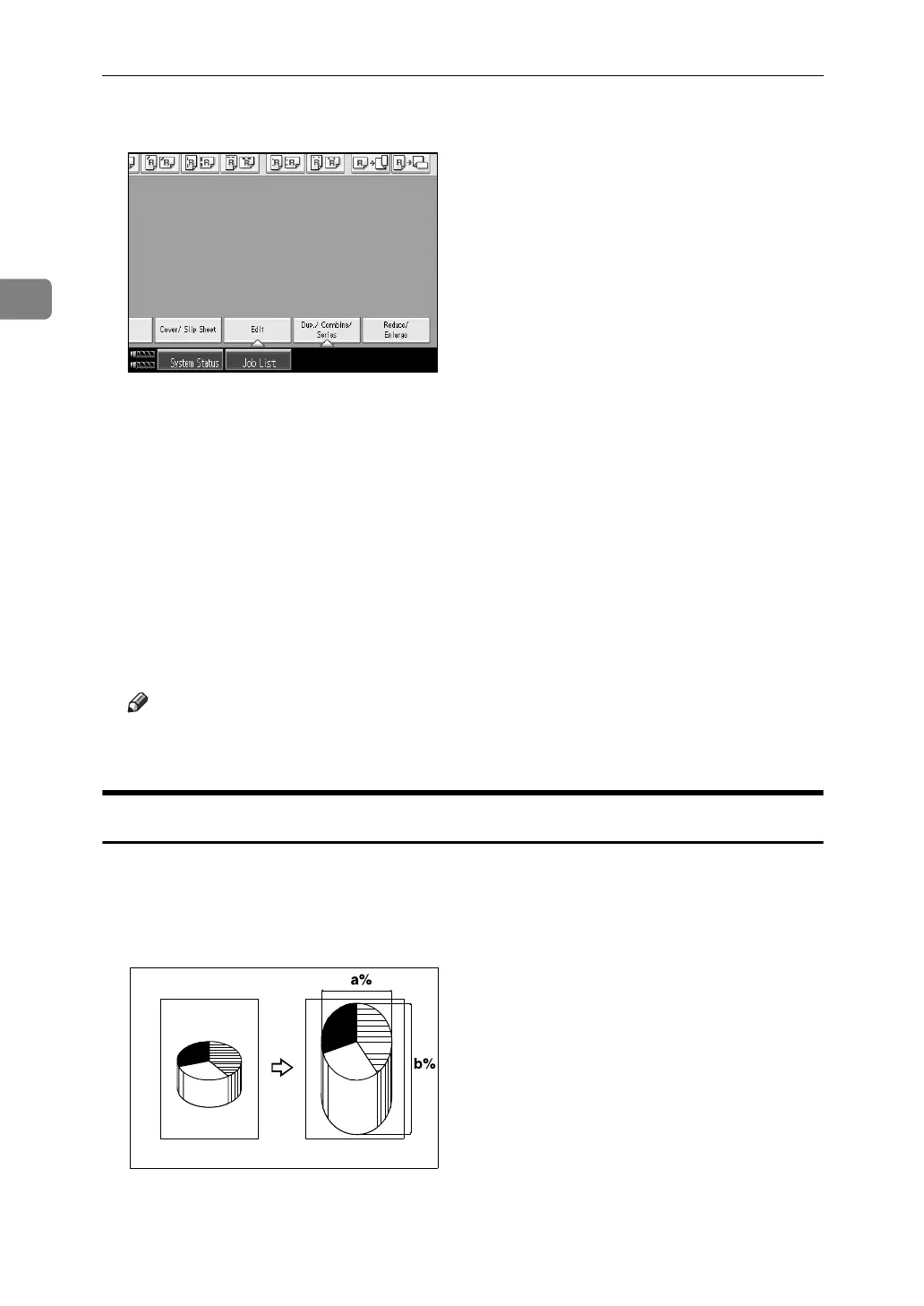
Directional Magnification (%)
Specify the horizontal and vertical lengths of the original and copy image at dif-
ferent reproduction ratio. Copies can be reduced or enlarged at different repro-
duction ratios horizontally and vertically.
a: Horizontal ratio
b: Vertical ratio
CP2P01EE



 To Next Page