Authentication and its Application
24
2
N Press [OK] twice.
You will be automatically logged off.
O Press the {User Tools} key.
Logging on Using Administrator Authentication
If administrator authentication has been specified, log on using an administra-
tor’s user name and password.This section describes how to log on.
Note
❒ To log on as an administrator, enter the administrator’s login user name and
login password.
❒ If you log on that a user name that has the privileges of multiple administra-
tors, only one of those administrators' names is displayed.
❒ If you try to log on from an operating screen, “
Selected function cannot
be used.
” appears. Press the {User Tools} key to change the default.
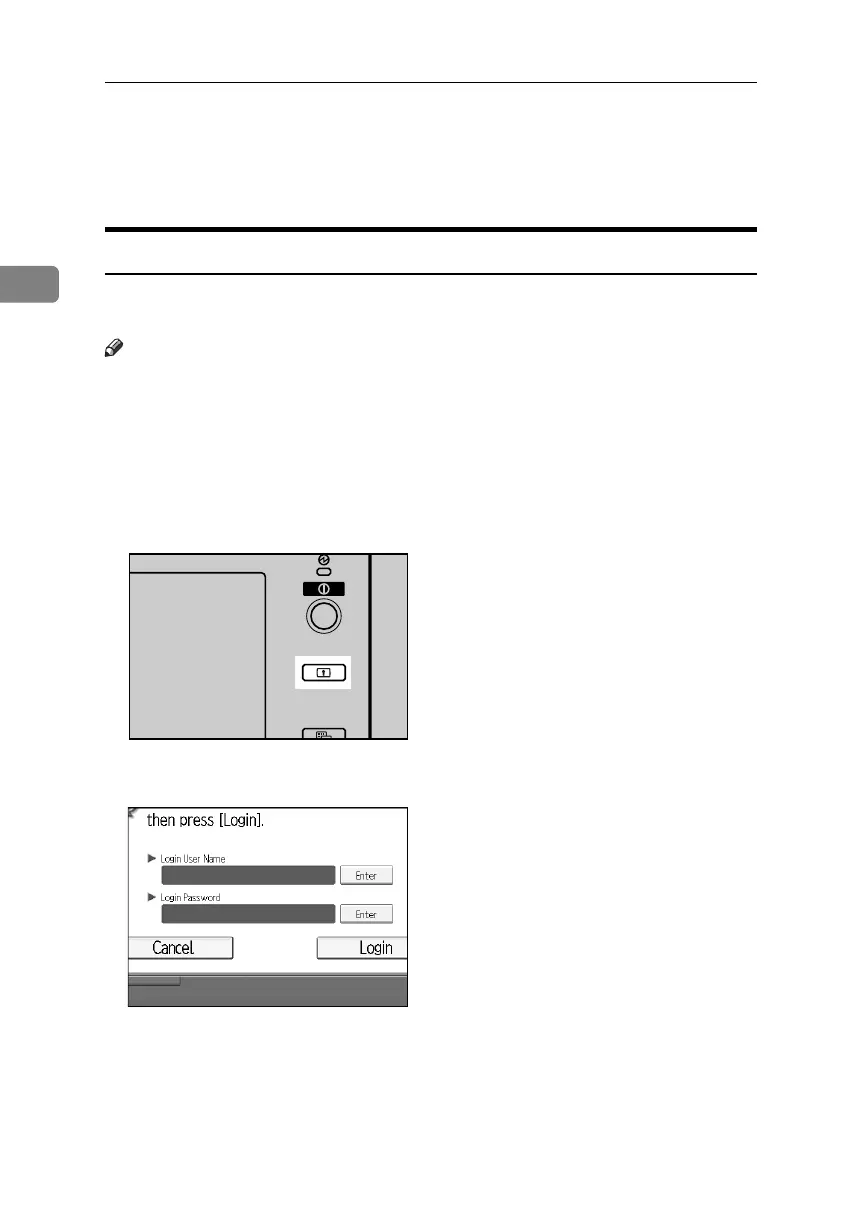
A Press the {Login/Logout} key.
B
Press [Enter] next to “Login User Name”.
APG012S
BelliniC3-EN_Sec_F_FM_forPaper.book Page 24 Friday, December 16, 2005 9:16 AM



 To Next Page